
Finance automation in a mid-market UAE company usually spans payables, receivables, the ledger and the month-end close, often across separate tools.
In this guide, I'll go over the 10 best finance automation tools in the UAE in 2026, covering what each one automates and what it costs to run.
TL;DR
- Pemo offers the best finance automation tool in the UAE for card spend and supplier bills, pairing Pemo Copilot's AI coding with Bill Pay's pre-payment checks.
- Oracle NetSuite and Microsoft Dynamics 365 Business Central keep payables, receivables, the ledger and the close inside one ERP for multi-entity groups.
- Odoo gives growing companies a modular ERP that starts from a single free app.
- Wafeq and Zoho Books are UAE-ready ledgers from vendors on the Ministry of Finance's accredited e-invoicing provider list.
- Tipalti, HighRadius, BlackLine and ClearTax each lead with one area: Tipalti with global supplier payouts, HighRadius with receivables, BlackLine with the close and ClearTax with e-invoicing compliance.
What should UAE finance teams look for in finance automation tools?
UAE finance teams should check four things: the stage a tool automates, its route to e-invoicing, how it handles several entities and how cleanly it hands data to the ledger.
Here's how I'd weigh each one for a mid-market team in 2026: 👇
The stage that costs your team the most hours
I'd start with the part of the month where your accountants lose the most time, since that decides whether an ERP alone is enough or a specialist tool belongs on top:
- Payables: bill capture, approval routing, duplicate checks and payment release.
- Receivables: invoicing, credit checks, collection reminders and matching customer payments to open invoices.
- Ledger: account coding, VAT treatment, bank reconciliation and fixed assets.
- Close: reconciliations, accruals, intercompany entries and consolidation.
➡️ If payables are the bottleneck, compare tools in our AP automation software shortlist, then follow the step-by-step AP rollout guide.
A route to UAE e-invoicing
Every in-scope B2B and B2G invoice in the UAE will pass through an Accredited Service Provider (ASP) on the Peppol network.
Your invoicing system needs a working route to that provider, either because its vendor is accredited or through a tested connector to one that is.
Based on Ministerial Decisions 243 and 244 of 2025, with the ASP deadline moved by Ministerial Decision 66 of 2026, the dates for private businesses are:
➡️ Accreditation expires after two years unless the provider renews it.
Check each vendor's name against the Ministry's current list before you sign. Your tax advisor is the right person to confirm which phase your business falls into.
An ASP's accreditation lasts two years and must be renewed, under rules updated by Ministerial Decision 168 of 2026.
Entity and approval depth
Many mid-market companies in the UAE run more than one licensed entity, each keeping its own books.
For that setup, I'd check four things:
- Consolidation: group reporting across entities and currencies.
- Intercompany: entries between your own companies, eliminated at group level.
- Approval layers: several sign-offs on large commitments.
- Segregation of duties: the person who uploads a bill can't be the one who releases its payment.
Clean hand-offs between tools
Automation breaks wherever someone has to export a file from one tool and import it into another.
The connection type decides how much of that manual work is left:
- Native connector: the vendor maintains the field mapping for you.
- API: flexible, though someone on your side builds and maintains it.
- CSV export: works with any system but needs a manual import each cycle.
- Middleware: no-code tools such as Zapier link apps, though each extra hop adds a point of failure.
➡️ Before committing, run a week of real transactions through the connector.
Cost centres and VAT codes should land exactly where your accountant expects them.
What are the best finance automation tools in the UAE in 2026?
The best finance automation tool in the UAE in 2026 is Pemo for card spend and supplier bills, followed by Oracle NetSuite and Microsoft Dynamics 365 Business Central for ERP-wide automation.
All 10 tools side by side, showing what each suits best and where pricing starts:
Four tests decided which tools made this list:
- UAE availability: the vendor sells to UAE businesses directly or through local implementation partners.
- Stage coverage: the tool automates at least one of payables, receivables, the ledger or the close.
- Automation depth: AI or rules take over repetitive work such as invoice capture, matching, coding or approvals.
- Mid-market fit: multi-entity support, consolidated reporting, layered approvals or ERP connectors for teams past entry-level bookkeeping.
➡️ A note on scope: payroll and treasury platforms fall outside this list, along with procurement suites and card programmes that don't code spend into the ledger.
For how the spend layer and the ledger fit together, see our guide to the complete UAE finance stack.
#1: Pemo
Pemo (that's us) offers the best finance automation tool in the UAE for card spend and supplier bills, combining AI coding, receipt checks, pre-payment controls and direct ERP connectors.
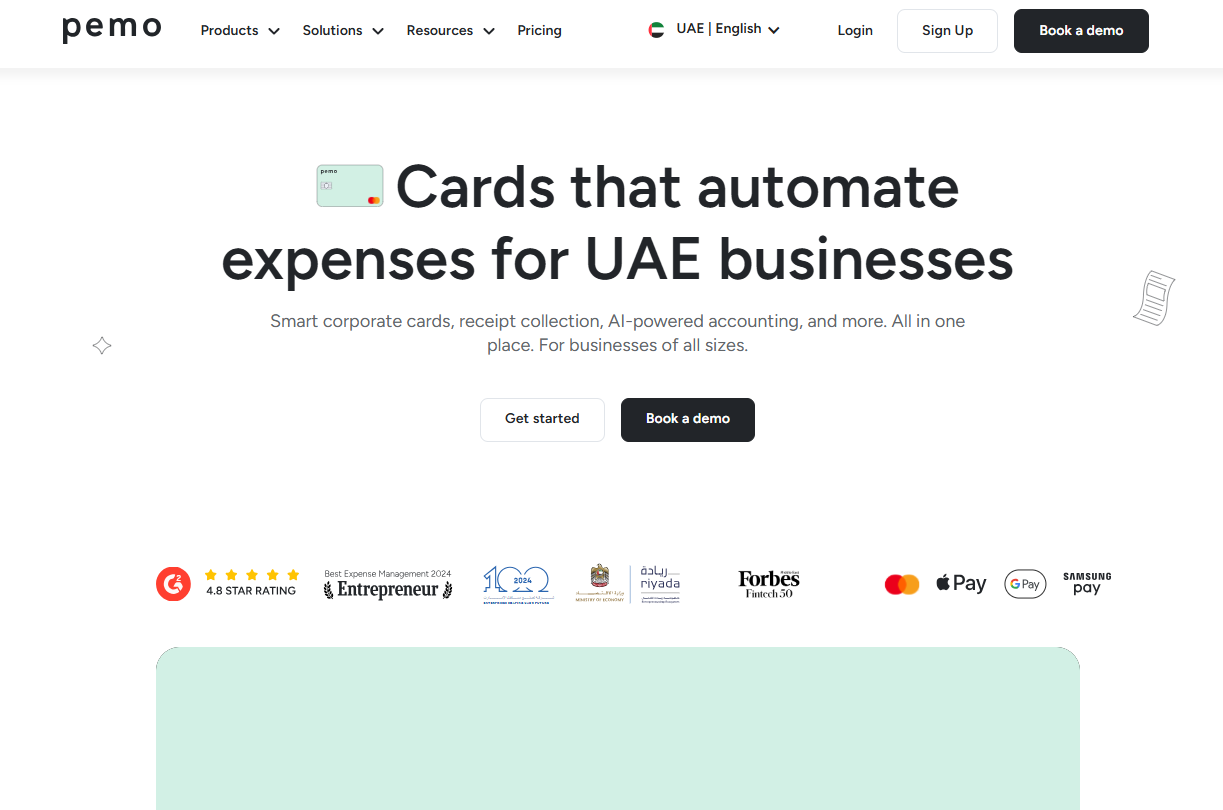
Full disclosure: Even though Pemo is our platform, I'll keep this review objective and point out where another tool on the list covers ground we don't.
Our platform records each card payment as it happens and each supplier bill as it arrives, then exports both to your ledger already coded.
Receivables and e-invoicing stay with your ERP or with the specialist tools further down this list.
The Pemo card is issued by Nymcard Payment Services LLC, which is authorised by the Central Bank of the UAE.
The Pemo Business Account is provided by ruya, a UAE-licensed, Shari'ah-compliant community bank.
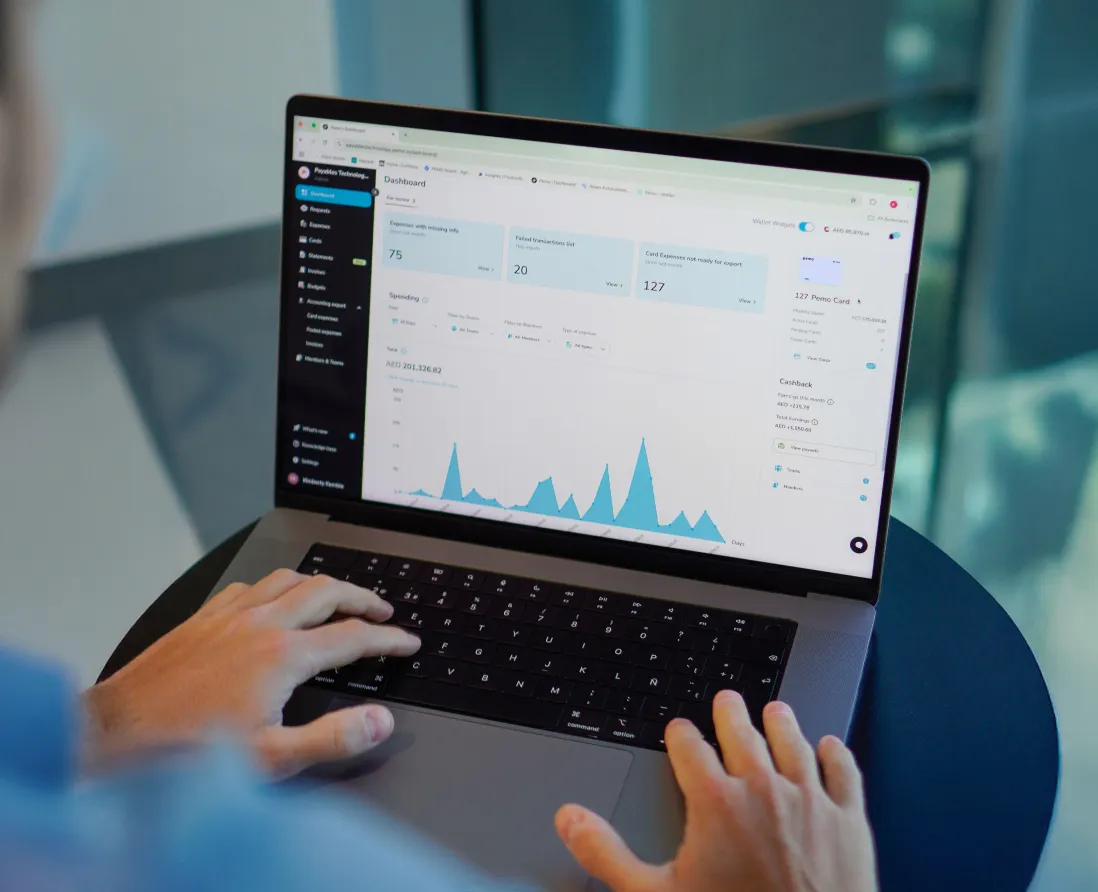
Inside a mid-market finance stack, Pemo works like this:
- Spend capture: every card payment becomes an expense record as it happens, with reimbursements and non-card expenses added on Premium.
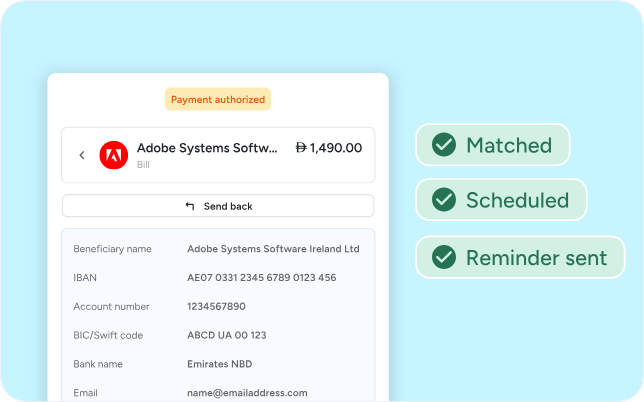
- Supplier bills: invoices uploaded or forwarded by email move through approval and payment in Bill Pay.
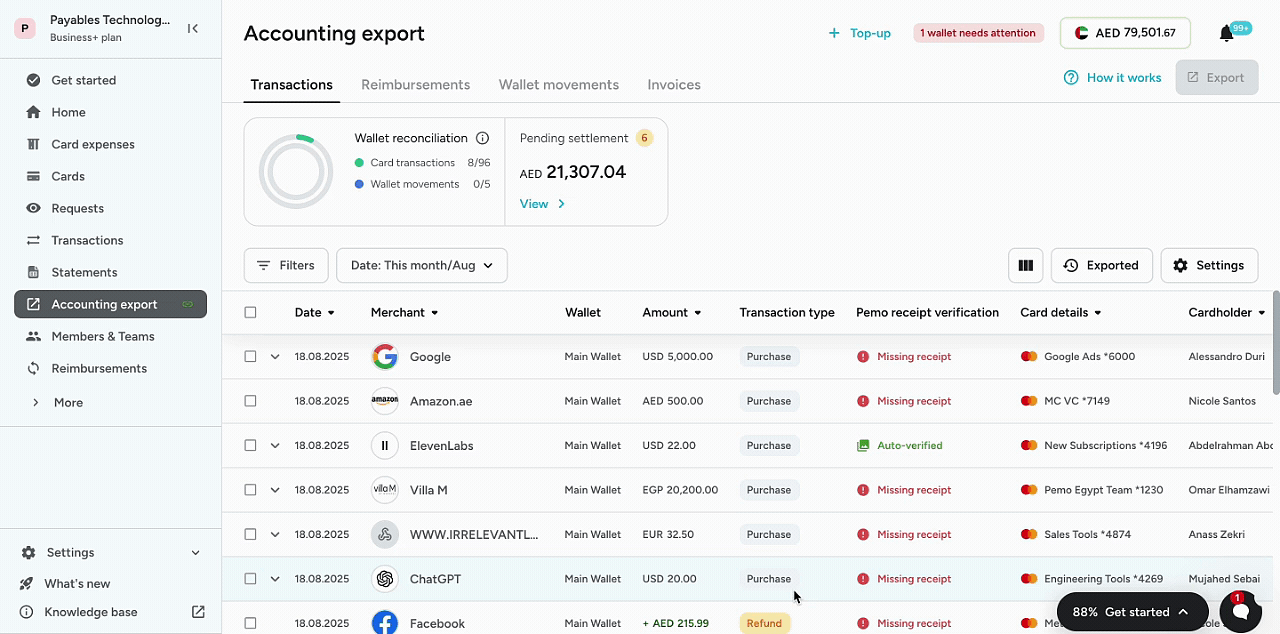
- Ledger sync: coded card expenses export with their receipts to your accounting software or ERP, with NetSuite and Business Central connectors from Premium.
- Oversight: Pemo Financial OS agents scan transactions and vendor data and answer finance questions on request.
Let's go over the features that put Pemo at the top of this list: 👇
Pemo Copilot handles the coding
Most of the coding tools below come with every plan, Starter included:
- AI Copilot: suggests the account, VAT code, vendor and financial dimensions for each new expense, based on how your team coded earlier ones.
- Receipt Verification: checks every receipt against its card transaction on amount, currency, date and tax invoice status.
- Smart Vendor Creation: proposes the supplier from the merchant name and picks up the TRN from the attached receipt.
- Financial dimensions: cost-centre and project tags you define carry through to the ledger with each entry.
- Line items: on Premium, a single expense can be split into separately coded lines.
➡️ Before Pemo Copilot makes its first suggestion, your ledger has to be connected and its chart needs three accounts or more.
The receipt capture walkthrough goes step by step through that setup.
Pre-payment checks in Bill Pay
Supplier invoices go from upload to payment in Bill Pay, part of the Pemo Business Account:
- AI extraction: invoice details are read from an uploaded file or a forwarded email.
- Approval policies: each bill follows the approval route an Admin sets up.
- Payment release: only the Payment Order Authorizer (POA) can release funds, confirming one bill or a whole batch with a one-time SMS code.
- Duplicate and IBAN checks: repeated bills and mismatched IBANs get flagged before any transfer.
- First-time payees: payments to a supplier Pemo hasn't seen before carry a flag.
- Invoice-to-PO validation: Financial OS checks each invoice against its matching purchase order before payment.
- Ledger status: paid bills sync back as paid to Xero, QuickBooks or Zoho Books.

➡️ For how the account and Bill Pay work together, read what AI business bank accounts are.
Coded spend flows straight into your ERP
Coded spend reaches the ERP your controllers already close in, without CSV uploads in between:
- Accounting connectors on all plans: Mazeed, Odoo, QuickBooks, Wafeq, Xero and Zoho Books.
- ERP connectors from Premium: Oracle NetSuite and Microsoft Dynamics 365 Business Central.
- Custom ERP integration: built for any other system on Enterprise.
- Pemo API: included on Enterprise and available as a paid add-on below it.
- Pemo Universal CSV: templated bulk exports for anything without a connector.
- Month-end view: the Accounting Export page separates incomplete expenses from ready ones and removes each item from the list once exported.
➡️ Setup details for each connector are on our accounting automation page.
Round-the-clock monitoring with Financial OS agents
Financial OS gives the finance team AI agents that extend its capacity without new hires:
- Anomaly scanning: agents review transactions and vendor data in real time and flag anything unusual to your team.
- Finance questions: teams can upload financial data and get answers to their questions within minutes.
- Human control: your team sets the rules and approves exceptions on a fully auditable trail.
- Pemo MCP: connects AI assistants such as Claude or ChatGPT to live Pemo data, read-only and limited by each person's role.
Pemo's pricing
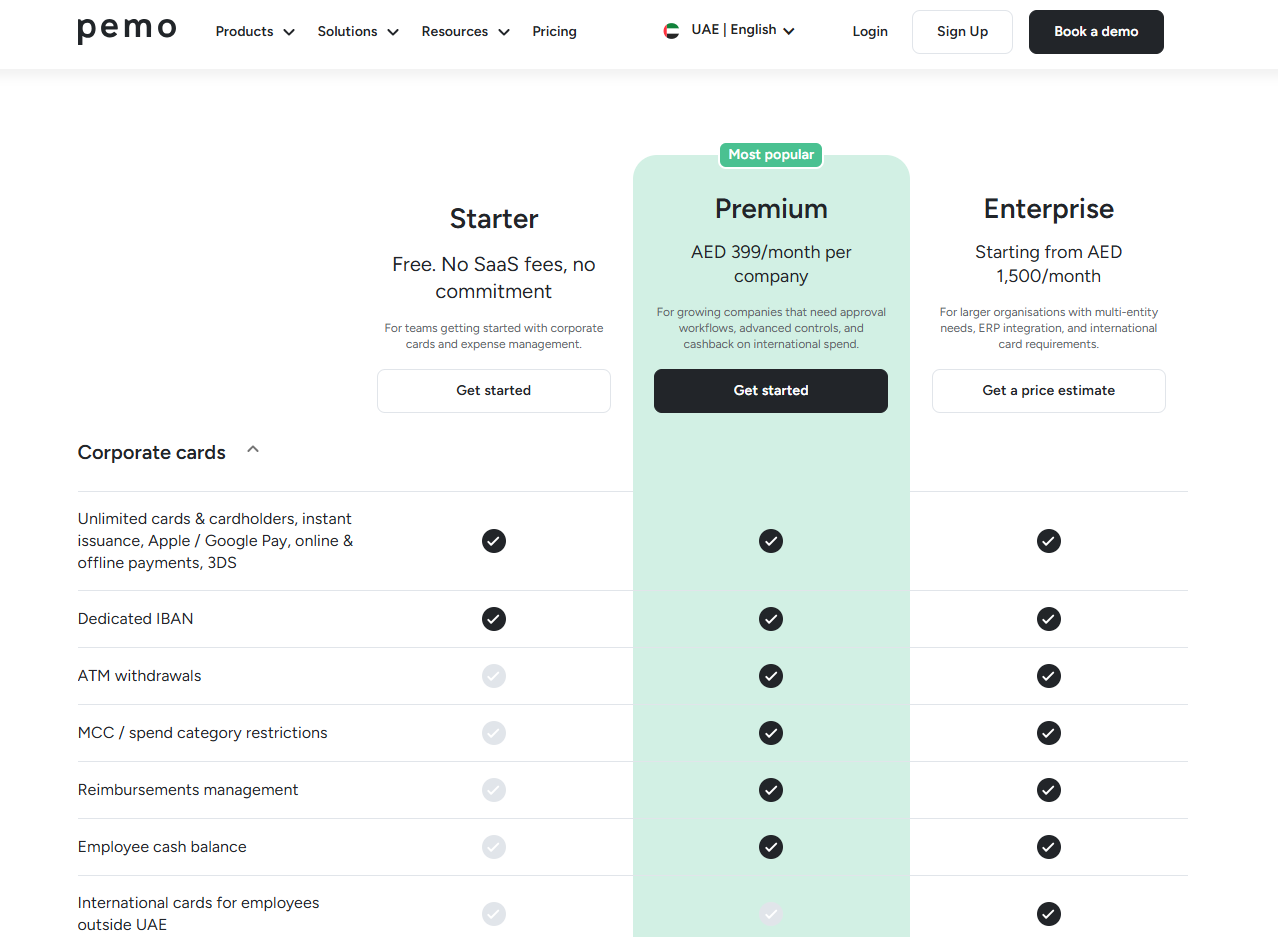
Pemo bills one flat fee per company on each plan, whatever your headcount:
- Starter: AED 0, covering cards, OCR receipt matching, Pemo Copilot and all six standard accounting connectors.
- Premium: AED 399/month for the company, adding layered approvals, split expenses, receipt reminders and the NetSuite and Business Central connectors.
- Enterprise: from AED 1,500/month for groups running several entities, adding budgets, custom ERP builds, developer API access and their own implementation manager.
- Pemo Business Account: a separate AED 200/month subscription (AED 99/month under the current discount) that unlocks Bill Pay.
- Local transfers: AED 0.50 each up to AED 50,000 and AED 1 above, VAT included.
- FX fee: 3.68% (VAT included) on foreign-currency card spend, for companies onboarded from 1 July 2026.
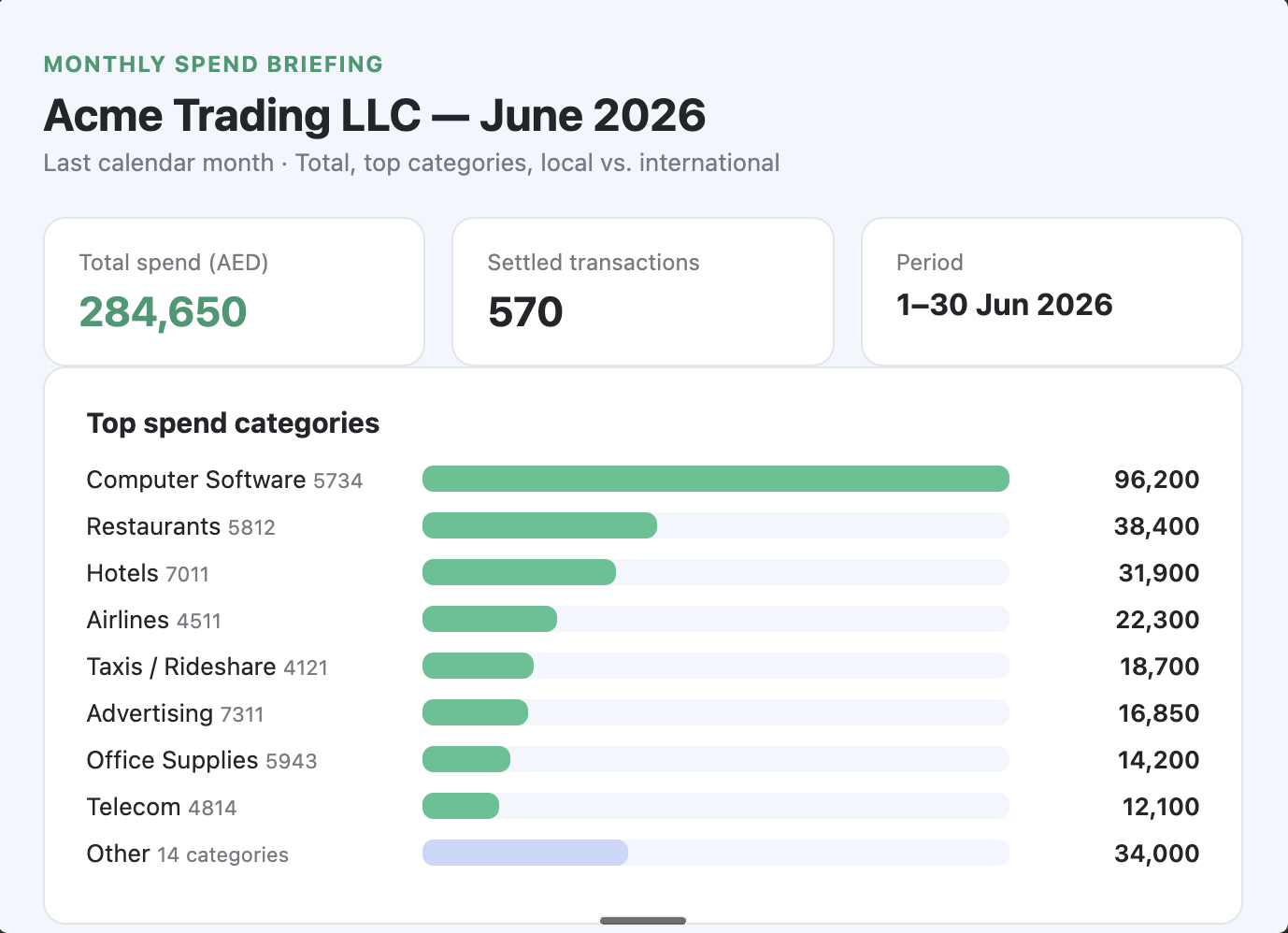
Pemo's pros and cons
✅ AI coding included on the free plan.
✅ Native connectors into NetSuite and Business Central from Premium.
✅ Duplicate and IBAN checks on every supplier bill.
✅ Per-company pricing that stays flat as you add cardholders.
✅ Built in the UAE.
❌ Bill Pay needs the separate Business Account (which requires an existing UAE business bank account) and only sends AED transfers within the UAE for now.
#2: Oracle NetSuite
Best for: Multi-entity groups that want payables, receivables, the ledger and the close in one cloud ERP.
Similar to: Microsoft Dynamics 365 Business Central, Odoo.
Oracle NetSuite is a cloud ERP covering financial management, supply chain, customer management and HR for a single company or a group of subsidiaries.
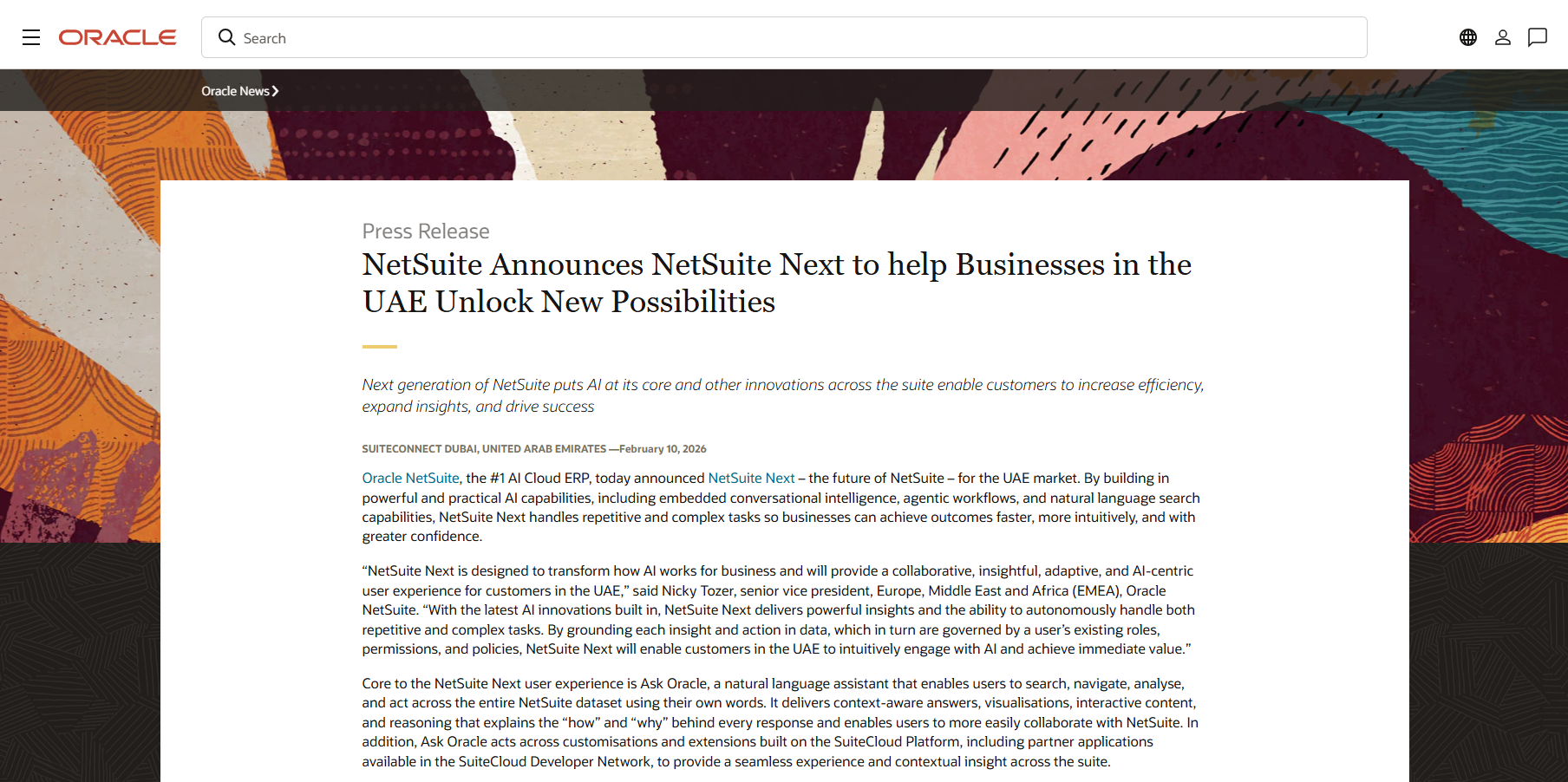
In February 2026, Oracle announced NetSuite Next for the UAE, putting an AI assistant and agentic workflows at the centre of the suite.
Features
- OneWorld: subsidiaries and currencies run in one NetSuite account, rolled into consolidated reports.
- NetSuite E-Invoicing: creates and shares e-invoices and tax data from inside NetSuite, already available to UAE customers ahead of the January 2027 mandate.
- NetSuite Exception Management: flags exceptions across finance and operations data for review before the period close.
- NetSuite AI Connector Service: links NetSuite to outside AI assistants through the Model Context Protocol (MCP), with control over which data each model can reach.
AI features
NetSuite Next brings conversational AI and agents into the core of NetSuite.
Oracle expects the release to reach UAE customers in English within 12 months of its February 2026 announcement:
- Ask Oracle: a natural-language assistant that searches and acts across NetSuite data, explaining the reasoning behind each answer.
- Agentic workflows: agents for tasks such as payment proposals and reconciliations, where users choose between approving each decision and letting the agent act.
- Document and knowledge integration: language models read and validate invoices, receipts, contracts and purchase orders.
- AI Canvas: a visual workspace where teams analyse a problem and trigger agentic workflows from the same screen.
Pricing
Oracle NetSuite doesn't publish prices.
Pros and Cons
✅ OneWorld handles subsidiaries and consolidation.
✅ E-invoicing and exception management are already live for UAE customers.
✅ An MCP-based connector for outside AI assistants.
❌ Reports don’t work the way they should and they are not very easy to customize, according to a G2 review.
#3: Microsoft Dynamics 365 Business Central
Best for: Mid-sized companies on Microsoft 365 that want an ERP their local partner can tailor to UAE rules.
Similar to: Oracle NetSuite.
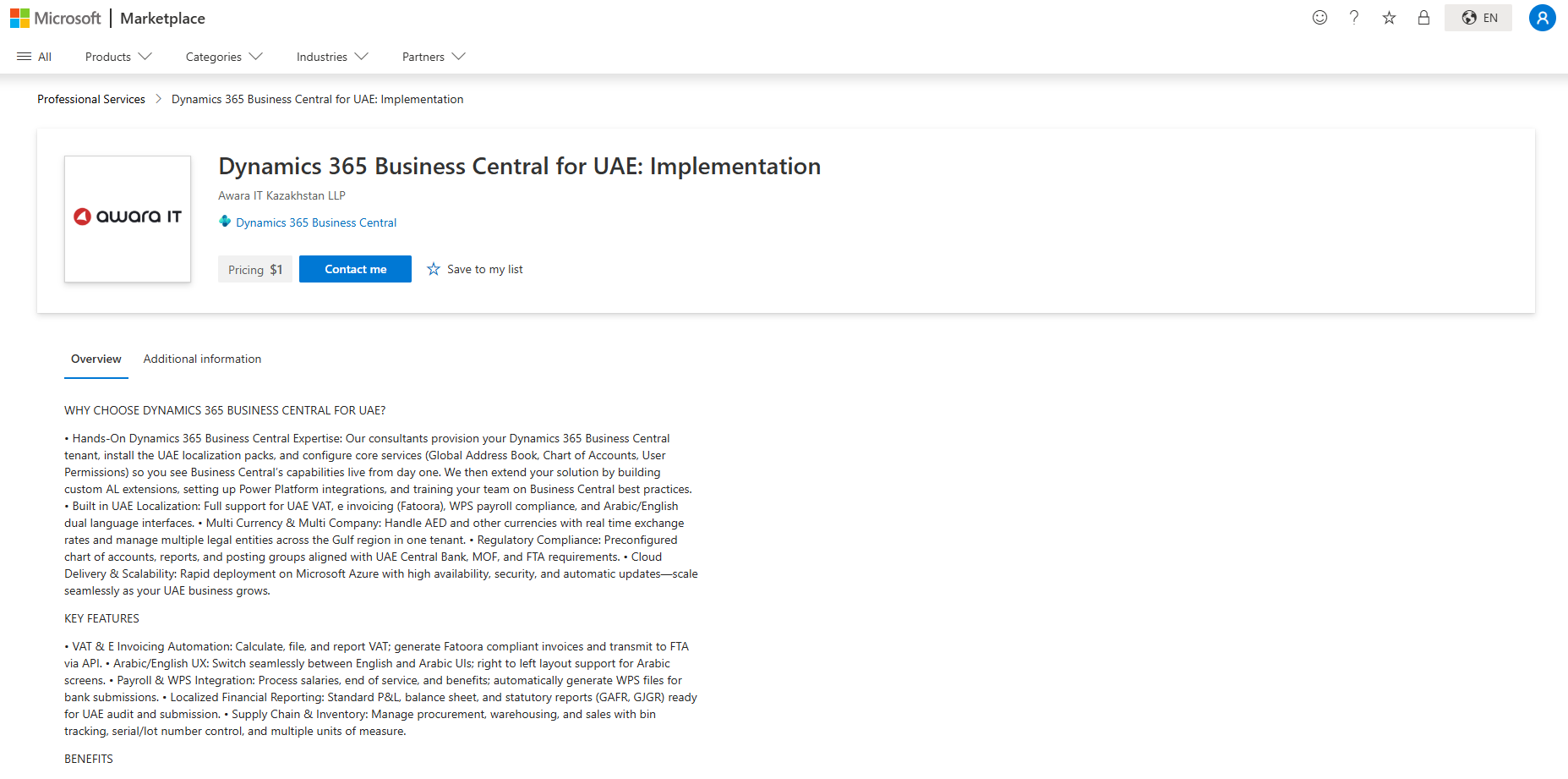
Built for small and mid-sized businesses, Microsoft Dynamics 365 Business Central covers finance, sales, purchasing, inventory and projects in one cloud ERP.
In the UAE, VAT reporting and e-invoicing connections come through localisation apps built by Microsoft partners.
Features
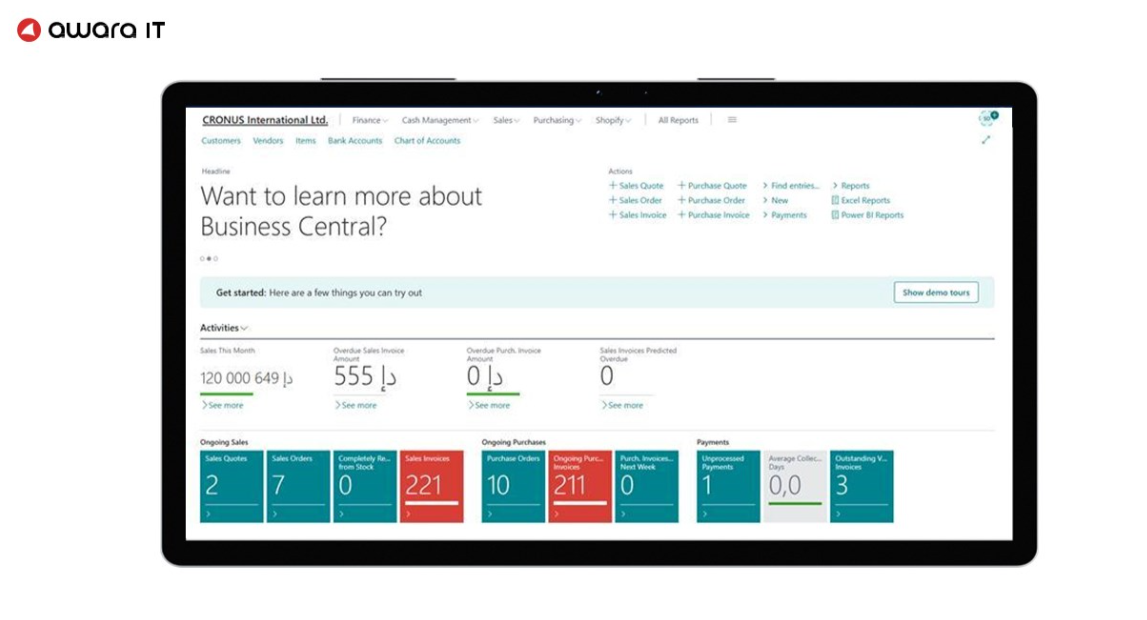
- Payables Agent: an AI agent that helps automate supplier invoice processing.
- Sales Order Agent: an AI agent that shortens the path from quote to order.
- Multiple companies: both Essentials and Premium licences include several companies and environments.
- UAE localisation apps: partner extensions add FTA VAT returns, bilingual invoices, WPS payroll files and a connection to an accredited e-invoicing provider.
- Microsoft 365 links: finance teams work in Outlook and Excel next to the ERP.
Pricing
Microsoft sells Business Central per user through partners, who also handle the UAE localisation:
- Essentials: $80/user/month (US list price, billed annually) for finance, sales, purchasing, inventory and projects.
- Premium: $110/user/month, adding manufacturing and service management.
- Team Members: $8/user/month for lighter, mostly read-only access.
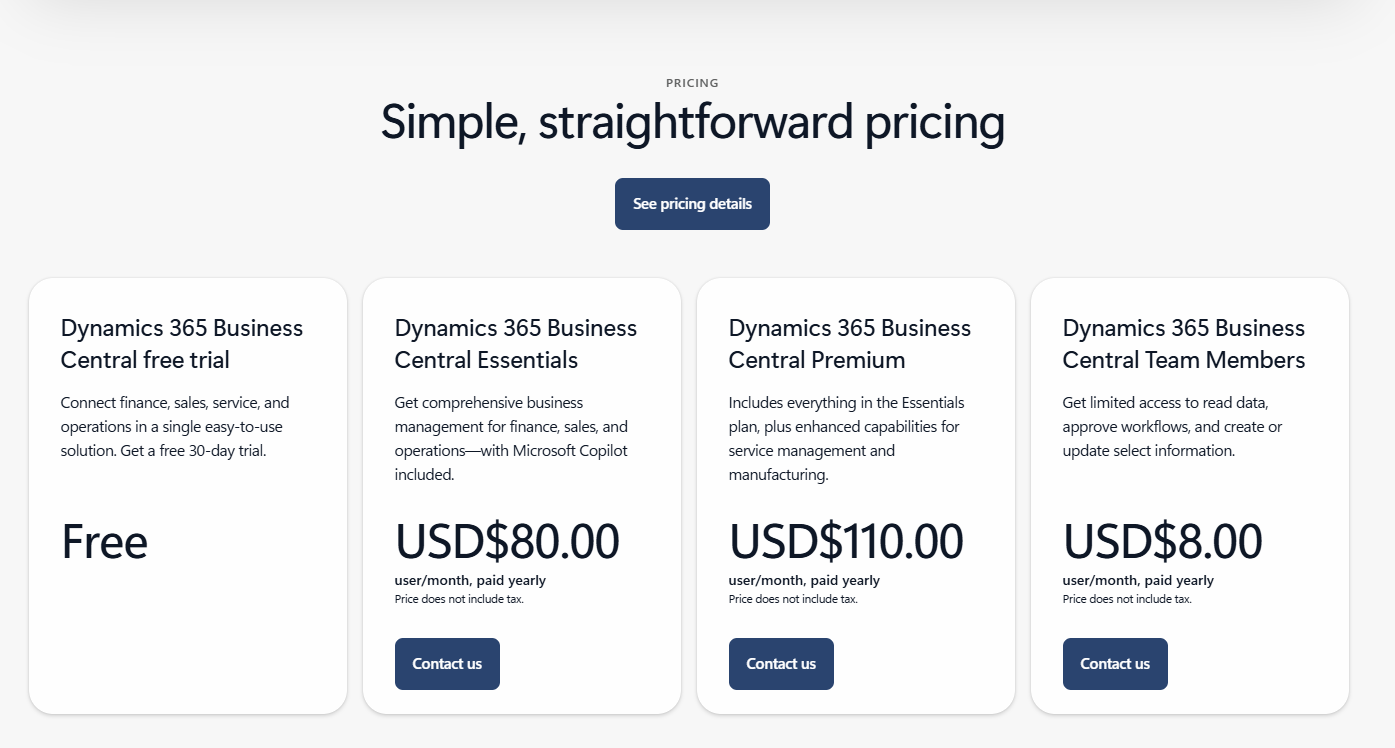
Partner implementation and localisation apps are priced separately.
Pros and Cons
✅ Familiar Microsoft interface for teams already on Office.
✅ AI agents for payables and sales orders.
❌ It's not easy to navigate, according to a G2 review.
#4: Odoo
Best for: Growing companies that want accounting, invoicing, inventory and CRM on one modular platform, starting from a free app.
Similar to: Microsoft Dynamics 365 Business Central, Zoho Books.
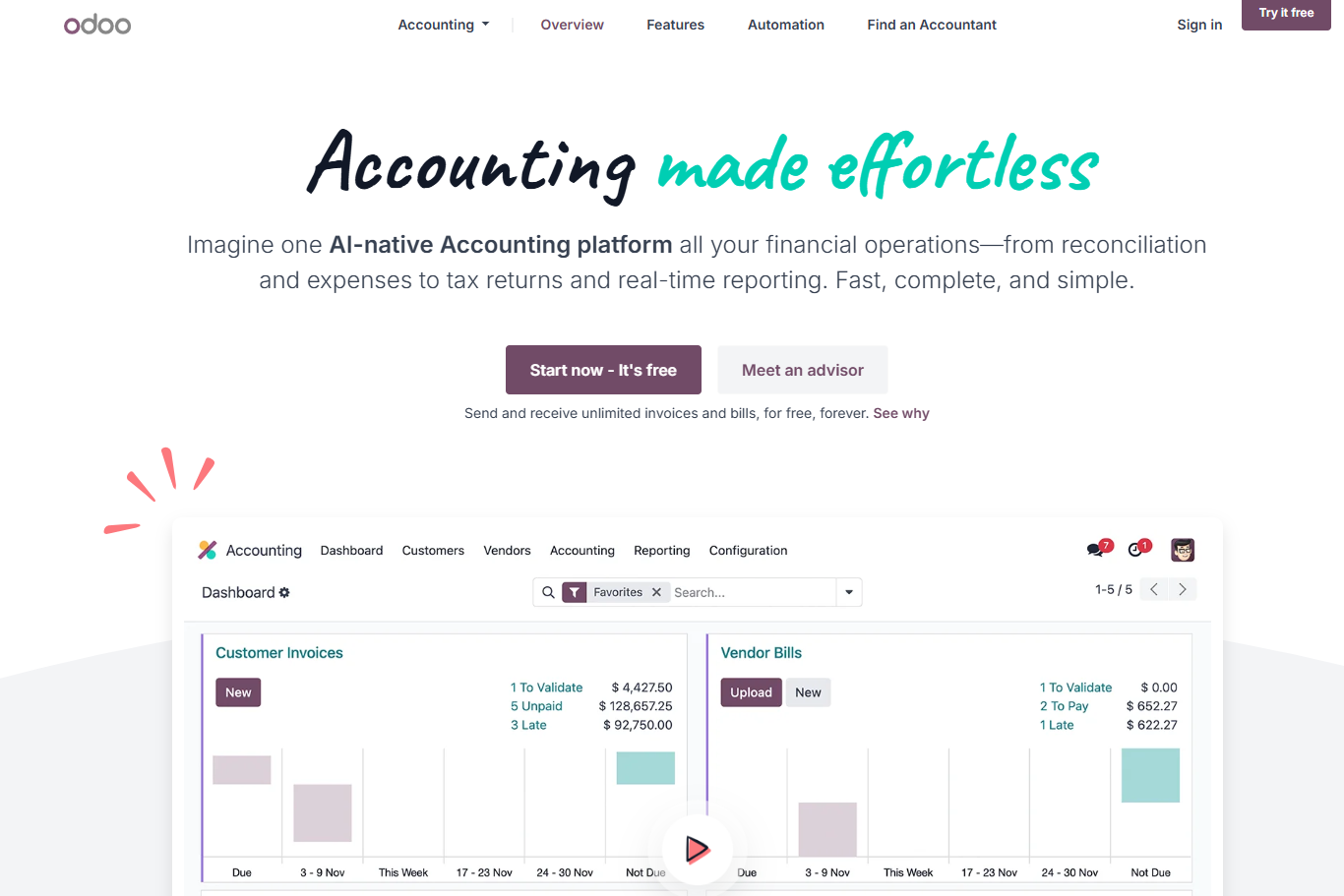
Odoo runs accounting, sales, purchasing and stock as separate apps on one shared database.
A company can start on one free app and switch on the rest of the suite as the finance team grows.
Features
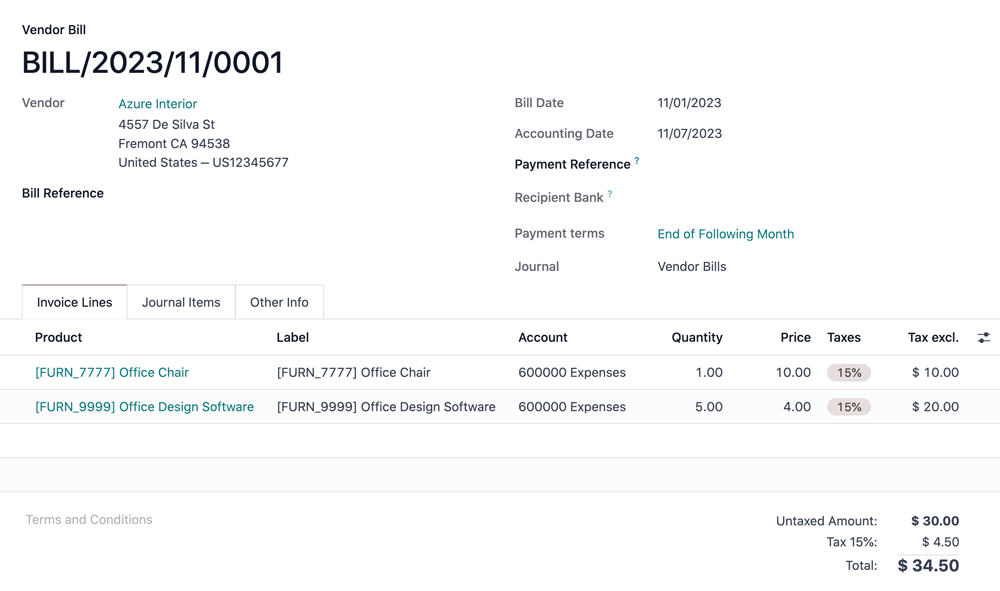
- Payment follow-ups: overdue customer invoices trigger reminder emails from templates your team edits.
- Payment tolerance: an underpaid invoice can still be fully reconciled, with the gap posted to an account you choose.
- UAE localisation: Odoo's UAE package includes a local chart of accounts along with 5% VAT taxes.
- Multi-company: on the Custom plan, several companies share one database.
Pricing
Past the free app, Odoo charges per user at these UAE list prices:
- One App Free: one app for unlimited users, at no cost.
- Standard: $16.90/user/month, unlocking all apps on Odoo Online hosting.
- Custom: $25.50/user/month, adding multi-company support, Odoo Studio, the external API and Odoo.sh or on-premise hosting.
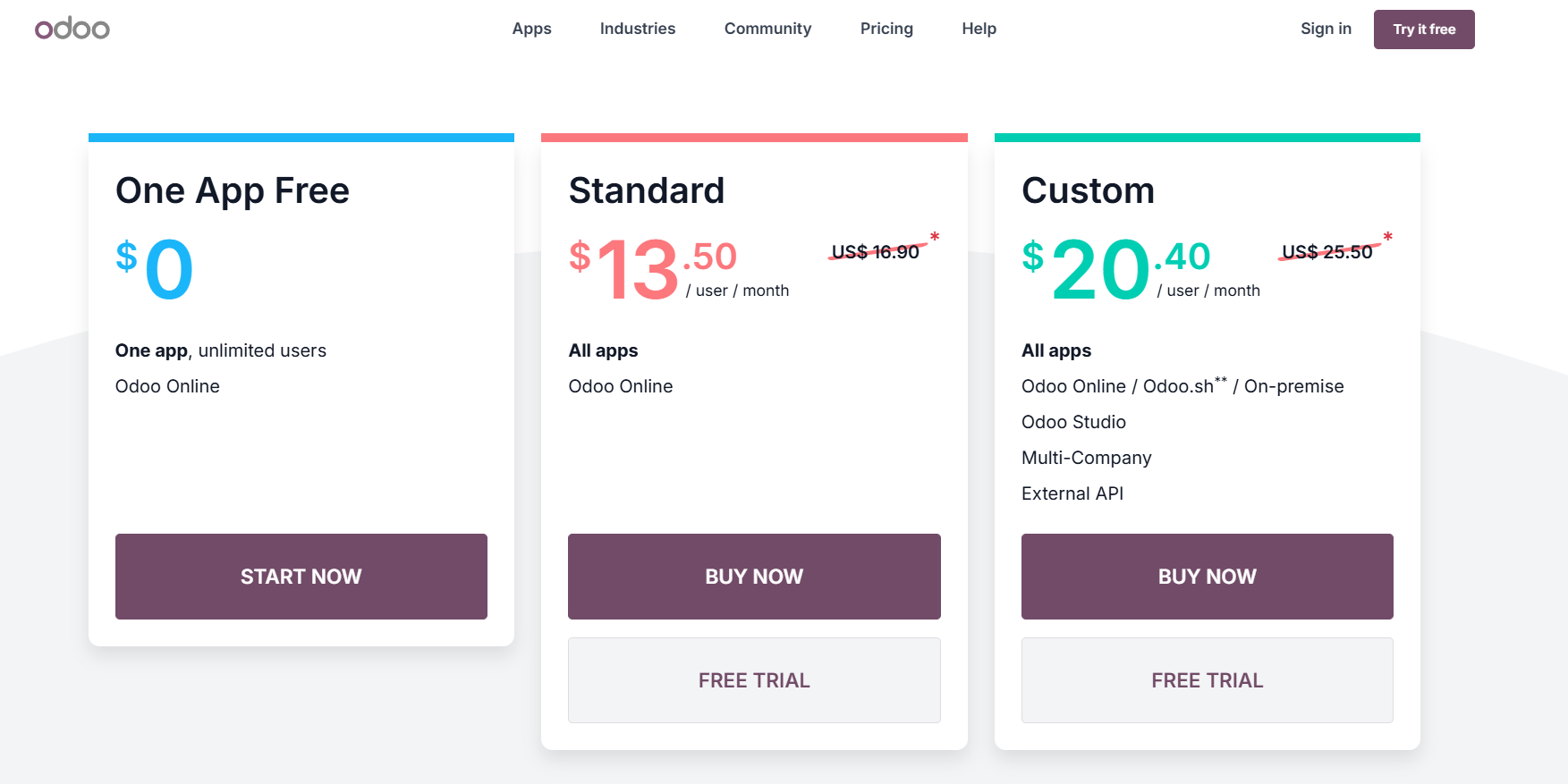
First-year discounts often bring these figures lower.
Pros and Cons
✅ Follow-ups and payment tolerance handle parts of receivables work inside the ERP.
✅ Open-source foundation, with a large regional partner network behind it.
❌ Per-user pricing can scale quickly for larger teams.
#5: Wafeq
Best for: UAE and Saudi companies that want their ledger and e-invoicing from one locally built vendor.
Similar to: Zoho Books, ClearTax.
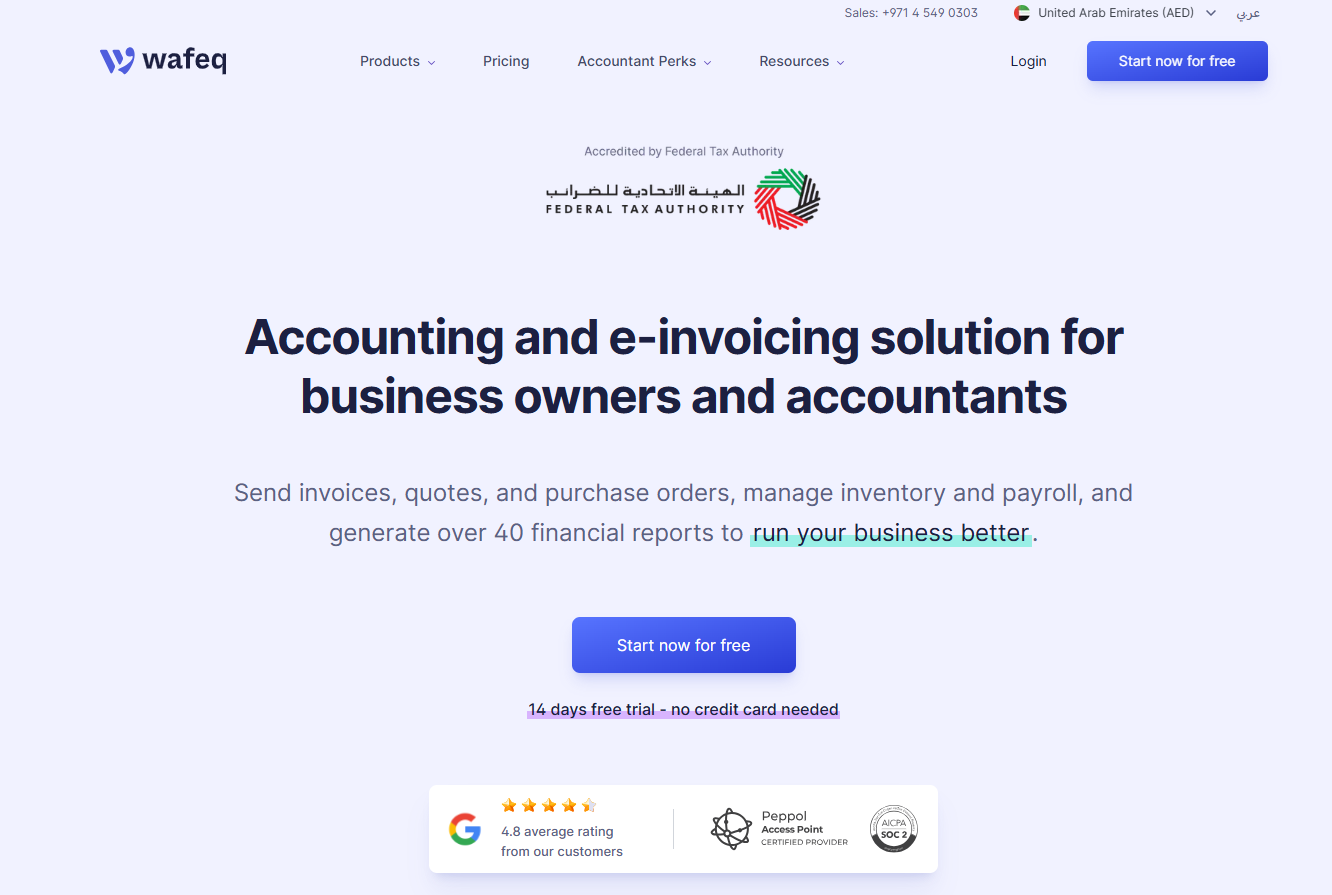
Wafeq runs dedicated UAE and Saudi editions, producing VAT returns from the ledger and invoices in Arabic and English.
Its UAE entity, Wafeq FZ-LLC, holds Ministry of Finance accreditation as an e-invoicing provider (no. 129932).
Features
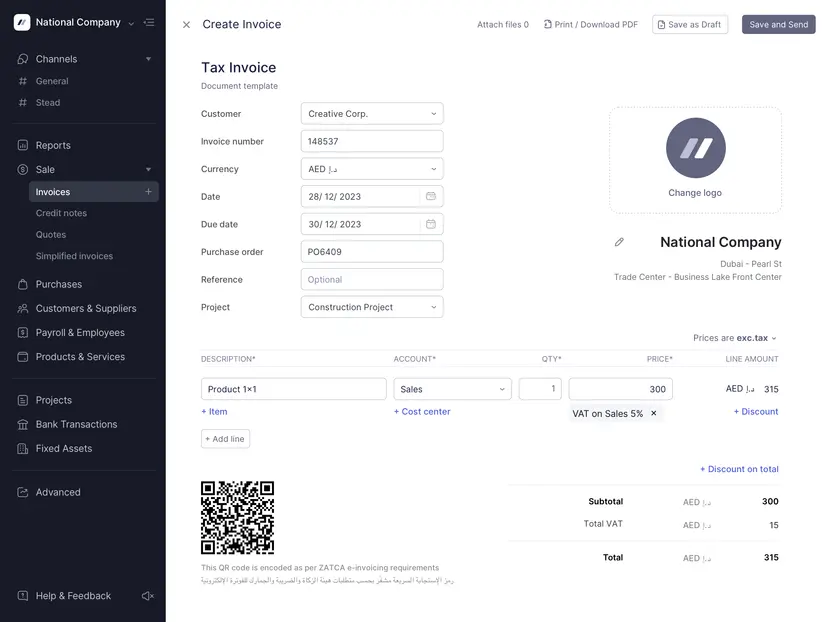
- Native PINT AE: Wafeq says it generates PINT AE e-invoices natively and exchanges them over Peppol.
- Self-billing and credit notes: self-billed invoices and credit notes run through the same e-invoicing flow.
- Approvals and APIs: approval flows and API-based bulk e-invoicing on Premium, plus ERP-level e-invoicing on Enterprise.
- Zapier links: cross-app automation for tools without a native Wafeq connector.
Pricing
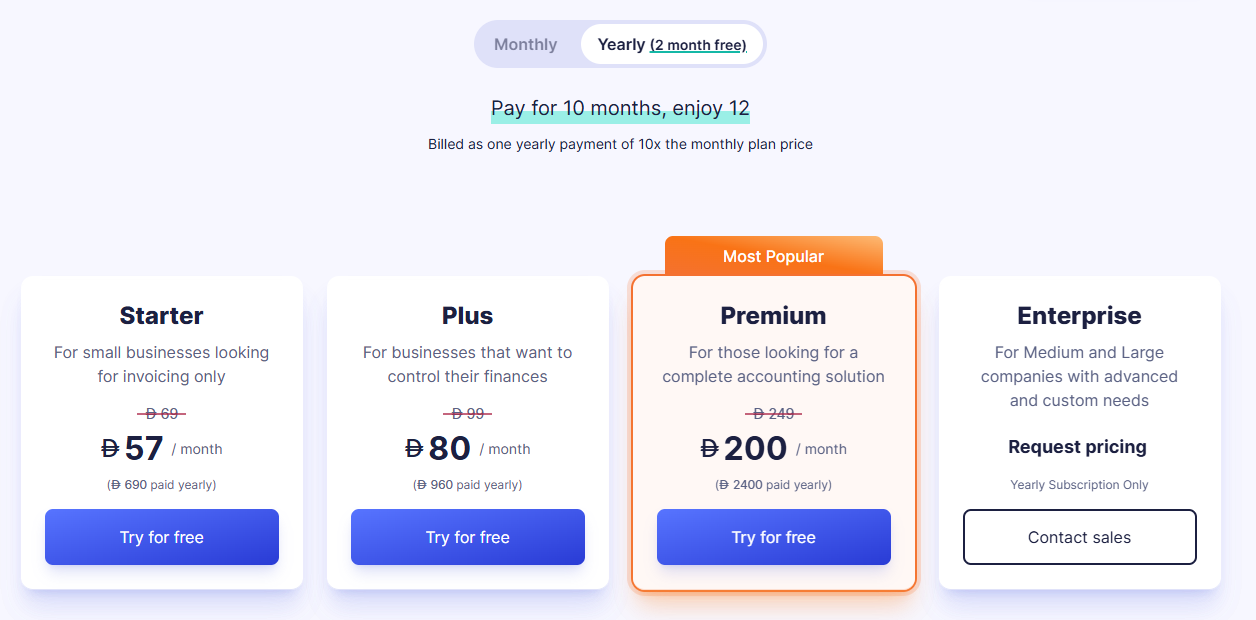
Wafeq lists UAE prices in dirhams, discounted for yearly billing:
- Starter: AED 57/month billed annually (AED 69 monthly), covering VAT returns and bank reconciliation.
- Plus: AED 80/month on annual billing or AED 99 monthly, the first tier with an e-invoicing API.
- Premium: AED 200/month billed annually (AED 249 monthly), adding payroll and the bulk e-invoicing API.
- Enterprise: custom pricing on annual contracts, adding an ERP e-invoicing API.
➡️ We compare Wafeq with other UAE ledgers in our list of the 10 best accounting automation software in the UAE.
Pros and Cons
✅ Ledger and accredited e-invoicing from one vendor.
✅ Published dirham pricing and an e-invoicing API from the Plus plan.
❌ Approval flows and payroll need Premium, at AED 200/month billed annually.
#6: Zoho Books
Best for: Companies already on Zoho One or Zoho CRM that want UAE-ready accounting on the same account.
Similar to: Odoo, QuickBooks Online.
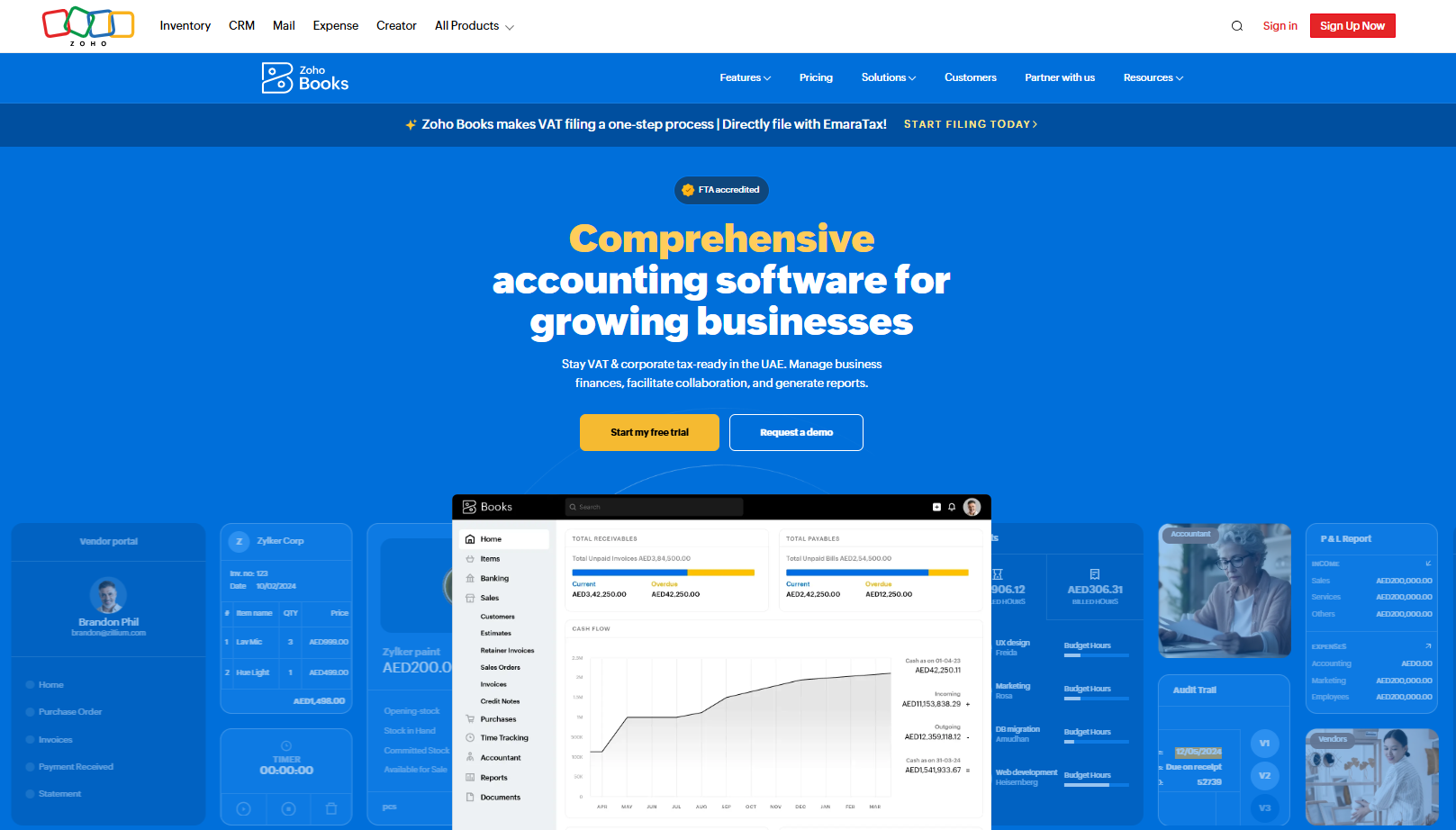
Zoho Books, the accounting app in the Zoho suite, has a UAE edition set up for VAT and corporate tax.
Ministry of Finance records list Zoho Software Trading LLC among the accredited e-invoicing providers (no. 121988).
Features
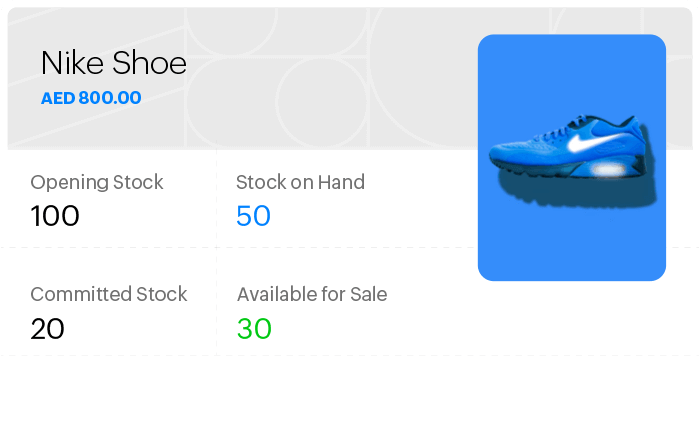
- Workflow rules: approvals, payment reminders, field updates and email alerts triggered by conditions you define.
- Receipt autoscans: a monthly scan quota that grows from 200 on Standard to 1,000 on Premium and above.
- Bank feeds: transactions pulled in from connected accounts for reconciliation.
- E-invoicing readiness: Zoho promotes UAE e-invoicing support for Zoho Books on its UAE site.
Pricing
Zoho Books starts with a free plan for small businesses, then five paid plans priced per organisation (annual billing, monthly price in brackets):
- Standard: AED 60/month (AED 69).
- Professional: AED 90/month (AED 129).
- Premium: AED 120/month (AED 159).
- Elite: AED 280/month (AED 349), bundling full inventory management.
- Ultimate: AED 660/month (AED 799).
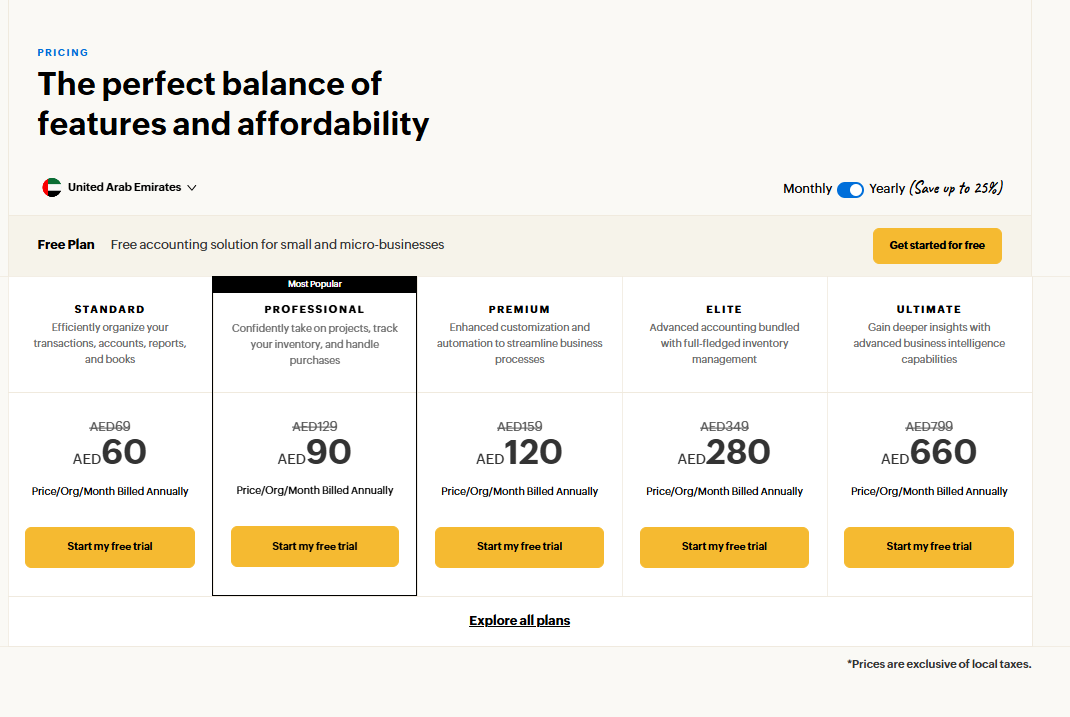
Zoho's listed prices exclude local taxes.
Pros and Cons
✅ Shares one login with Zoho CRM and Zoho Expense.
✅ Monthly receipt scans included on every paid plan.
❌ Purchase approvals start on the Professional plan.
#7: Tipalti
Best for: Groups paying suppliers and partners across many countries and currencies.
Similar to: Pemo, HighRadius.
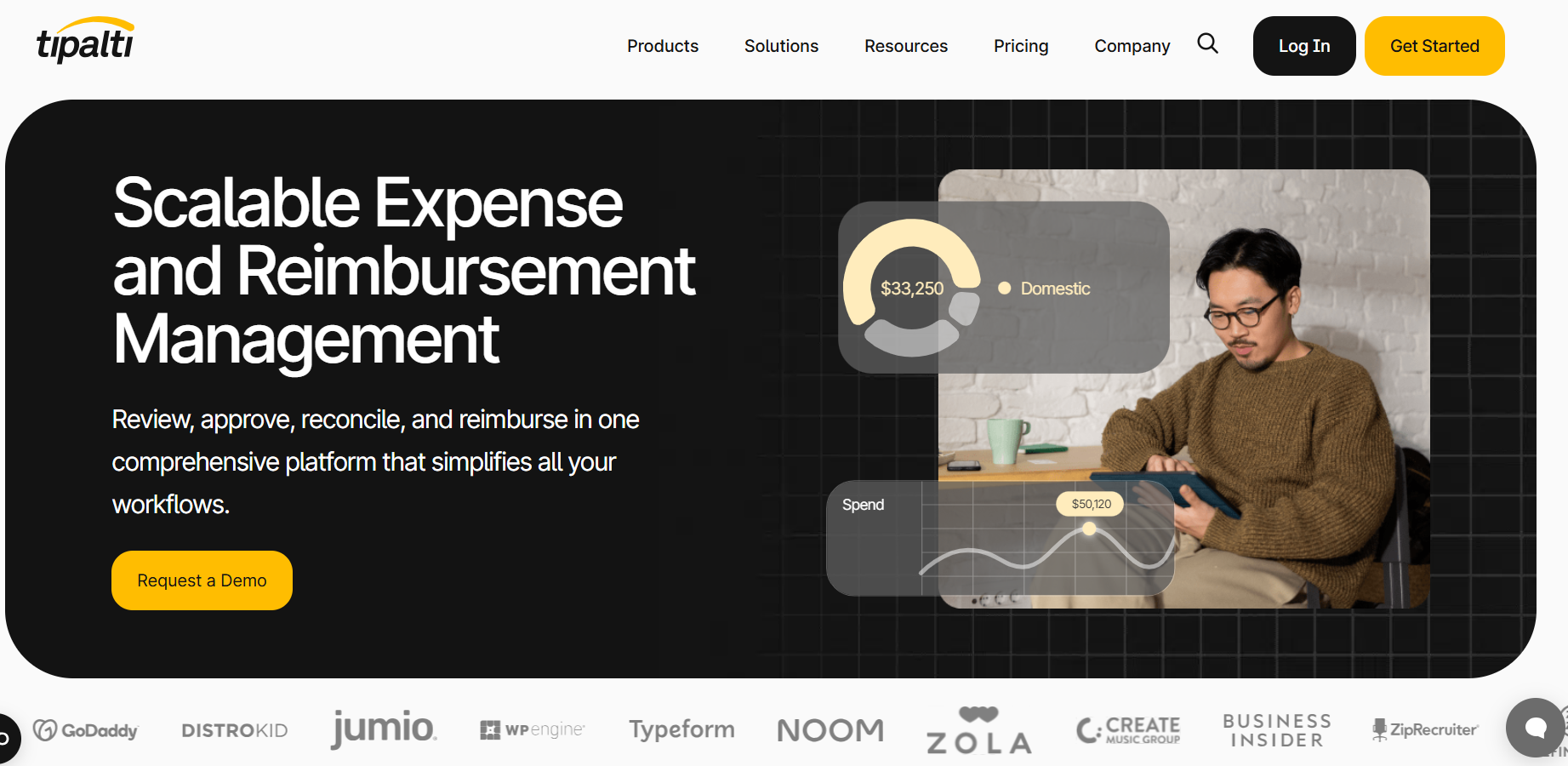
Tipalti runs supplier payables for companies paying vendors and partners abroad, funded through a dedicated virtual account.
Its payout network reaches more than 200 countries and over 120 currencies.
Features
- Supplier portal: suppliers onboard themselves and keep their own payment and tax details up to date.
- Invoice capture: OCR scanning feeds automated approval workflows.
- Multi-entity payables: several entities pay from one consolidated headquarters account.
- Tipalti Detect: a fraud-monitoring risk module on the Elite plan.
Pricing
Only Tipalti's entry plan carries a published price:
- Starter: $99/month, including the supplier portal, ERP integration, automatic currency conversion and domestic multi-entity setup.
- Premium: custom pricing, adding global multi-entity infrastructure.
- Elite: custom pricing, adding multi-currency infrastructure and Tipalti Detect.
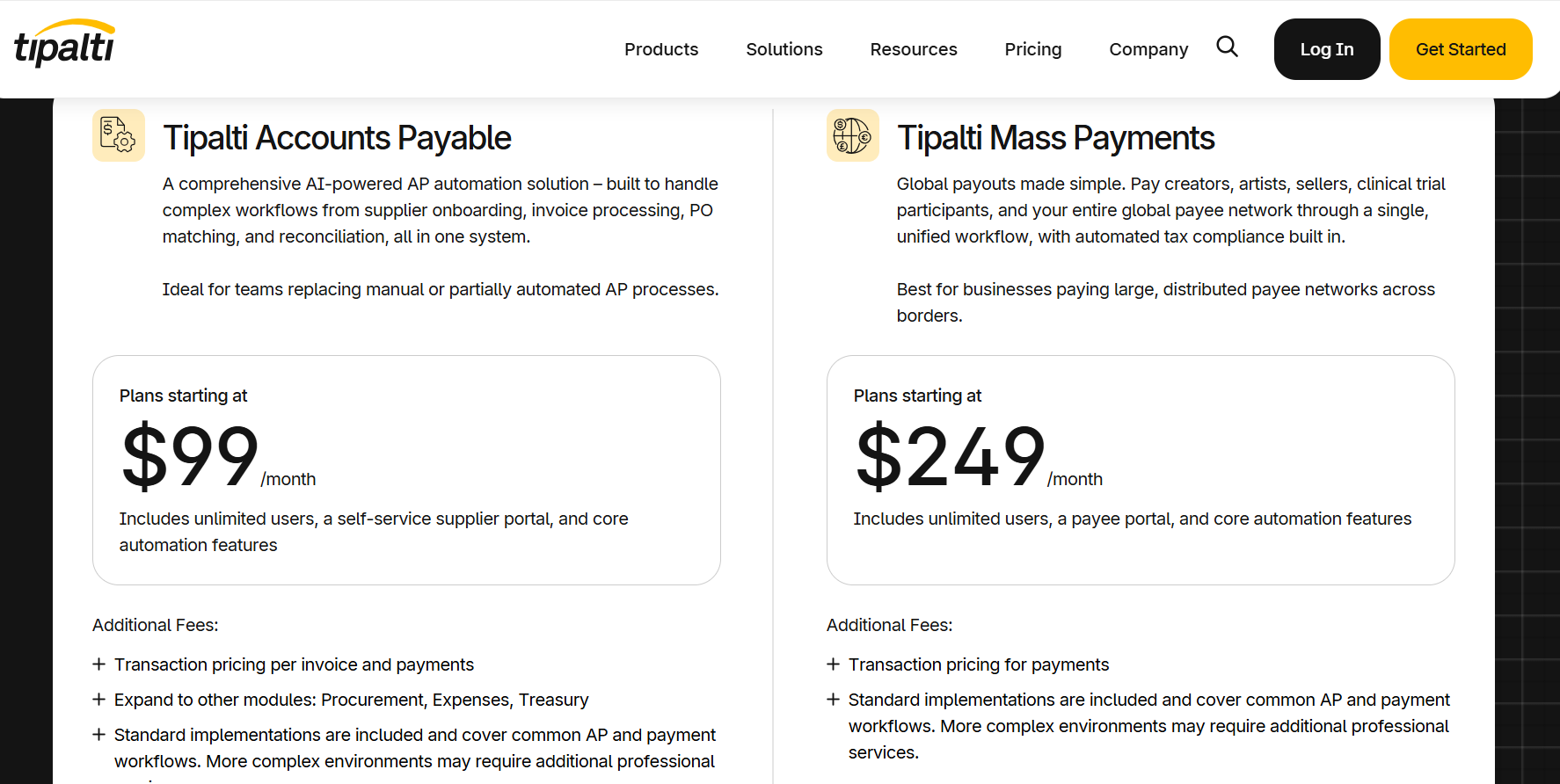
Each payment also carries a transaction or FX charge.
Pros and Cons
✅ Suppliers handle their own onboarding.
✅ Tipalti Detect adds fraud monitoring on Elite.
❌ Starting price at $99/month, unlike some Tipalti alternatives.
#8: HighRadius
Best for: High-volume finance teams that want AI agents on collections and cash application.
Similar to: BlackLine, Tipalti.
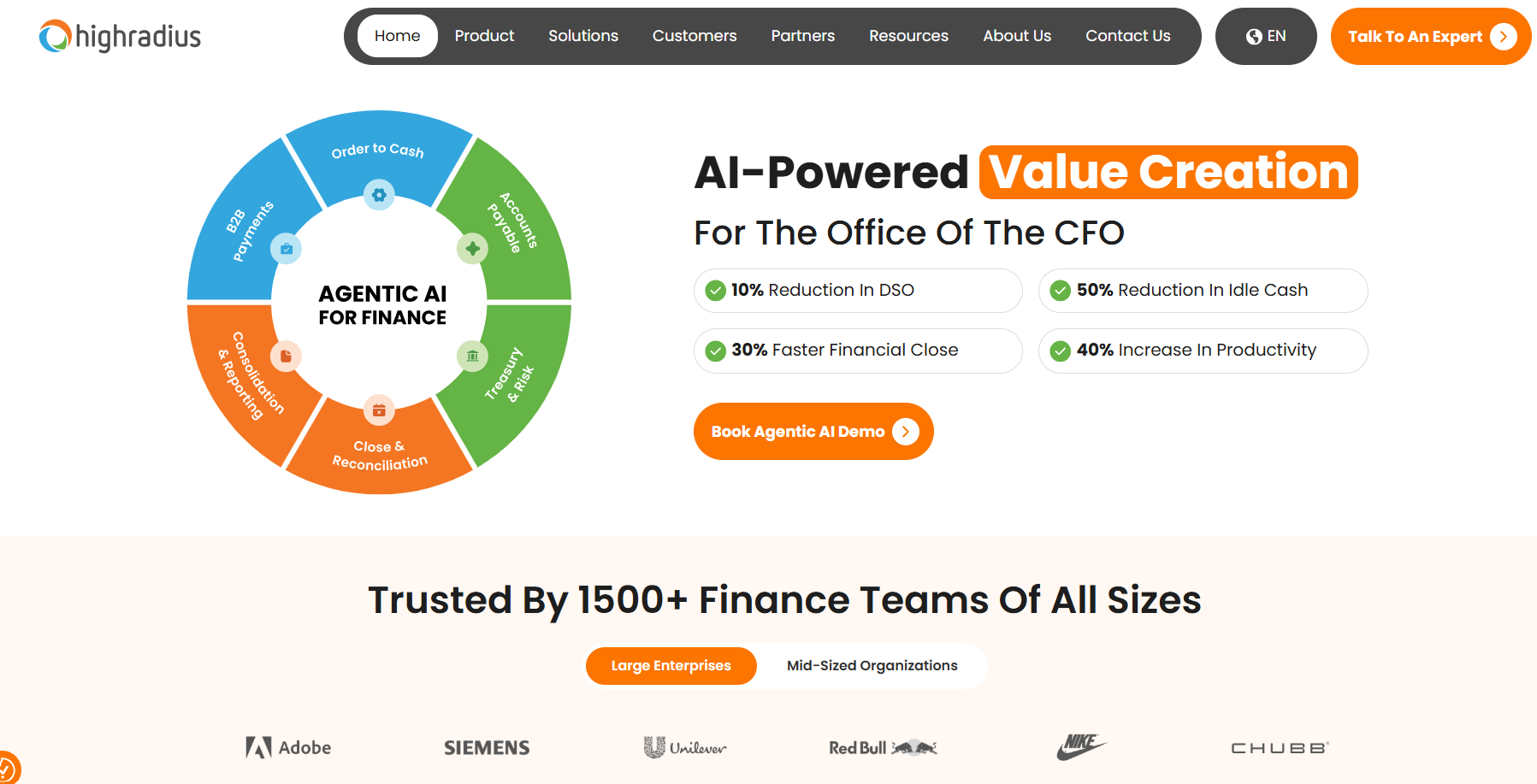
HighRadius sells AI agents for the office of the CFO across order-to-cash, accounts payable, the close and treasury.
The company counts more than 1,500 finance teams as customers and markets a mid-market version of its collections product.
Features
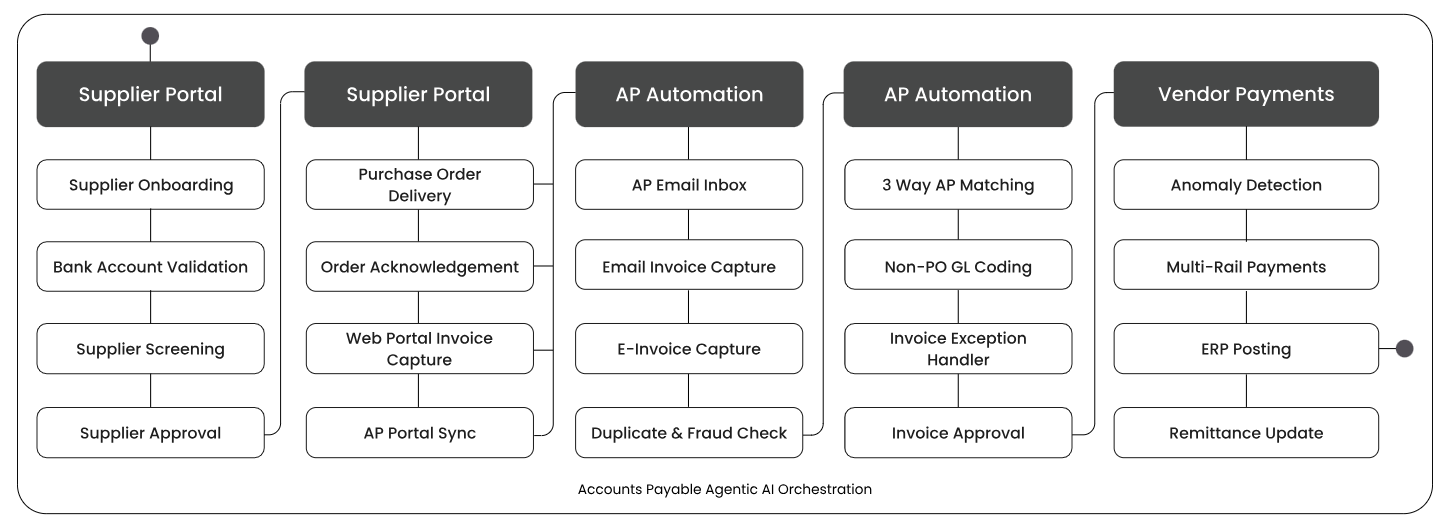
- Collections agents: rank accounts by risk and automate dunning across the whole portfolio.
- Cash application: incoming payments matched to open invoices using captured remittance data.
- AP agents: email invoice capture, three-way matching against PO and goods receipt, non-PO GL coding and approval routing.
- Integrations: ready-made connectors to more than 50 ERP and finance systems.
Pricing
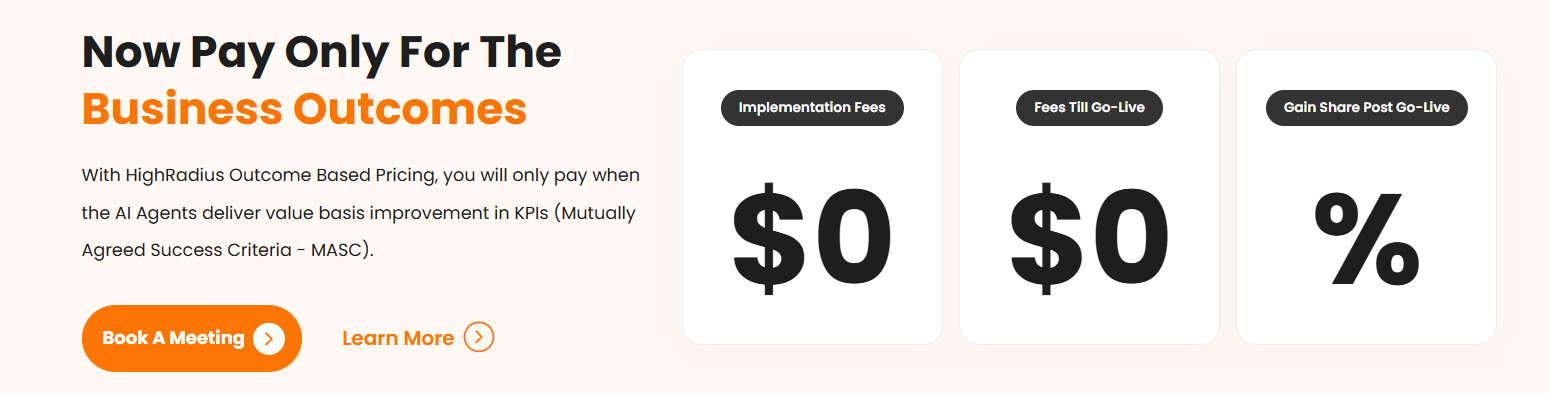
HighRadius offers outcome-based pricing, tying fees to agreed results:
- Before go-live: $0 for implementation and $0 in fees.
- After go-live: a gain share linked to KPI targets set out in a Mutually Agreed Success Criteria (MASC) document.
Pros and Cons
✅ AI agents for both receivables and payables.
✅ Nothing to pay before go-live under the outcome-based model.
❌ Some features can take a while to learn, especially for new users, and the interface can feel complex initially, according to a G2 review.
#9: BlackLine
Best for: Controllers who want the close automated without replacing their ERP.
Similar to: HighRadius.
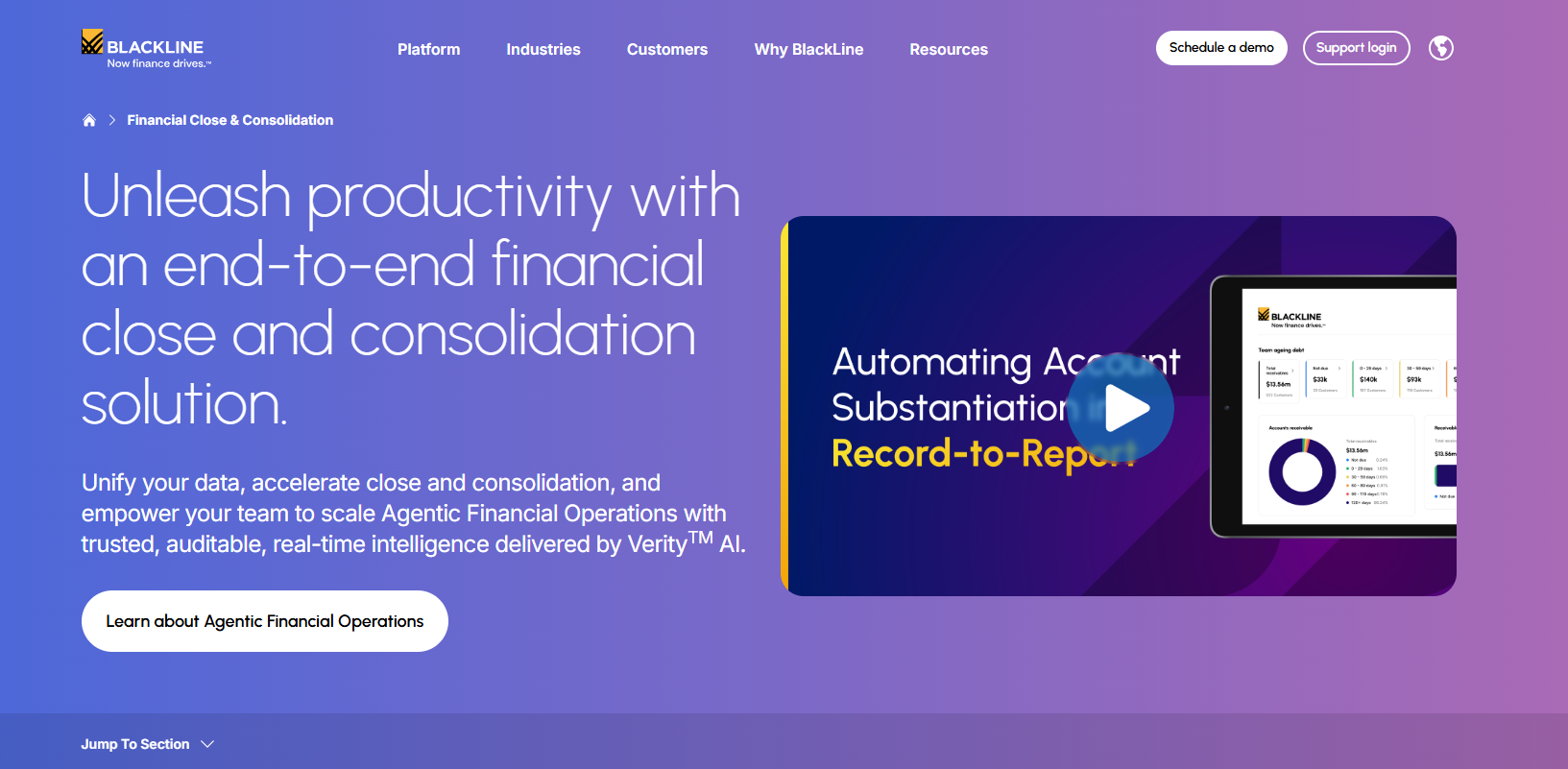
BlackLine automates month-end work on top of an existing ERP, covering reconciliations, journal entries, accruals and consolidation.
The platform runs alongside SAP and other ERPs and offers in-region data hosting in Saudi Arabia.
Features

- Account Reconciliations: auto-reconciliation rules and templates, plus Verity Prepare as a digital worker that prepares reconciliations for review.
- Transaction Matching: matches bank, ERP, payroll and lease accounting data at high volume, sending reconciling items onward.
- Journal Entry: entries generated from reconciliations or data feeds and posted to the ERP behind threshold-based approvals.
- Verity Accruals: an agent that drafts accrual entries for final review.
- Consolidation: intercompany eliminations and ownership calculations handled outside spreadsheets.
Pricing
Every BlackLine contract is quoted individually.
Pros and Cons
✅ Works with the ERP you already run.
✅ Verity AI drafts accruals and reconciliations for review.
❌ The main challenge is that BlackLine can sometimes feel time-consuming when there are a large number of reconciliations or adjustments to review, according to a G2 review.
#10: ClearTax
Best for: Companies on large ERPs such as SAP or Oracle that need an accredited provider connected for UAE e-invoicing.
Similar to: Wafeq.
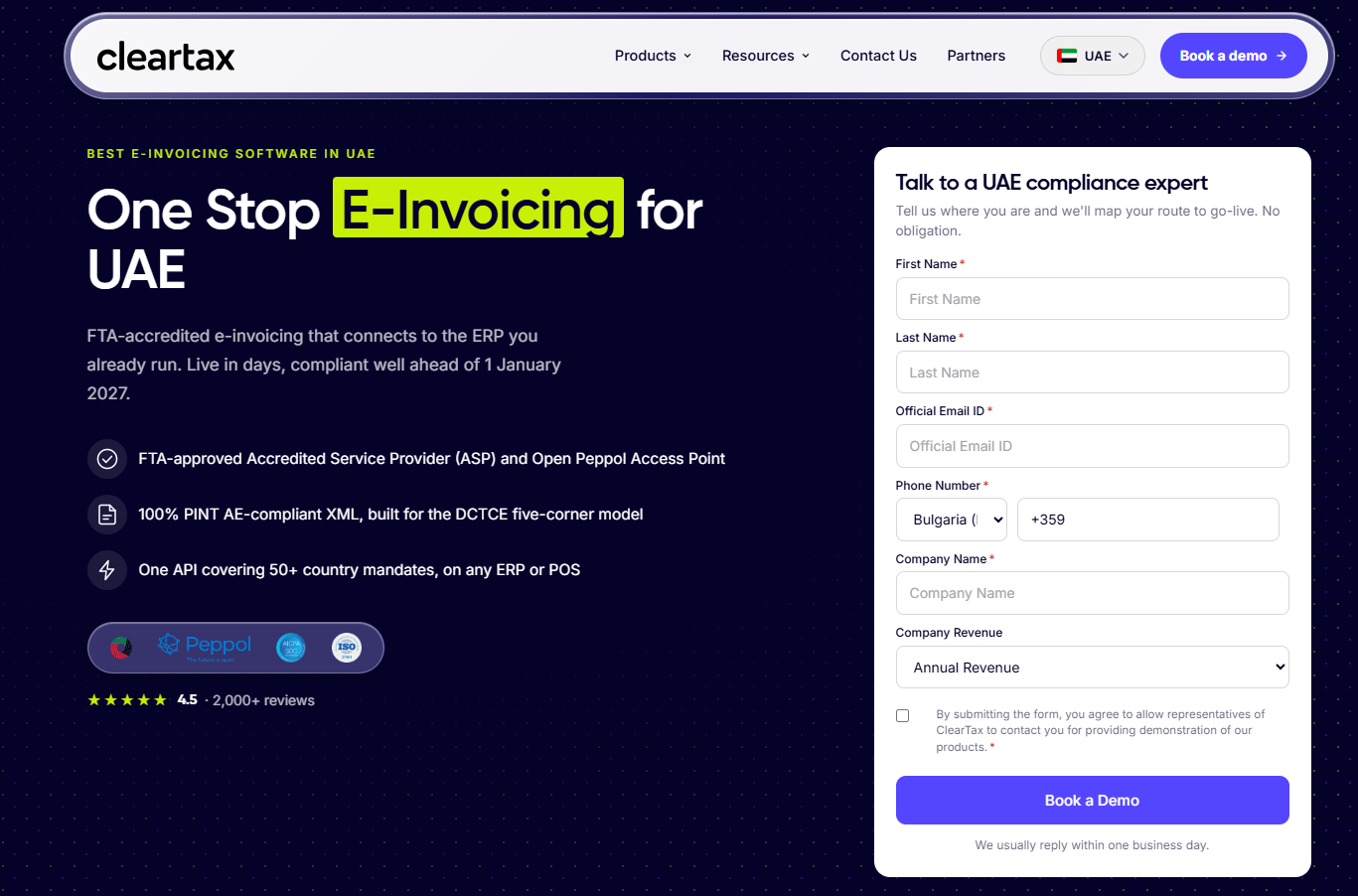
ClearTax runs e-invoicing and tax compliance for UAE clients through Defmacro Software DMCC, an accredited ASP (no. 163162).
Its platform issues, receives, validates and archives PINT AE e-invoices over Peppol, covering the FTA reporting step as well.
Features
- ERP connectors: ready-made links for more than 500 ERP and POS systems, SAP and Oracle included, plus an Excel upload route for early go-lives.
- Error management: alerts with correction guidance, plus bulk resubmission for rejected invoices.
- Inbound invoices: received e-invoices digitised for three-way matching in payables.
- One API: the same integration covers mandates in more than 50 countries.
Pricing
UAE pricing comes from ClearTax's sales team after a demo.
Pros and Cons
✅ Accredited ASP with UAE-based support.
✅ Ready-made connectors for most major ERPs.
✅ Groups with entities abroad can reuse the same API for other countries' mandates.
✅ Inbound invoices digitised for three-way matching.
❌ A compliance layer, meaning the ledger and payables still need their own tools.
Next steps: automate your spend with Pemo
Each of these 10 tools takes a different stage of finance work off your team's hands.
Pemo automates the spend side for UAE businesses, coding card payments and supplier bills as they happen.
Our native connectors mean that spend reaches your ledger or ERP already coded, receipt attached.
If you're looking for finance automation that also gives you:
- Wallet forecasting: committed outflows set against your current balance on every plan.
- Sub wallets: team-level balances under one company wallet (three on Premium, no cap on Enterprise).
- Maker-checker controls: card changes confirmed by a second person on Premium.
- International cards: cards for employees based outside the UAE on Enterprise.
Then you can sign up for Pemo's free Starter plan or book a demo to see Bill Pay and Pemo Copilot on your own data.
⚠️ Disclaimer: This article was last updated on 30 October 2026 and covers general product information, not tax or legal advice. Vendor features and prices change often. Please confirm current details with each provider.
Finance automation FAQs
What is finance automation?
Finance automation means software handles the repetitive steps between a transaction and the closed books, such as reading invoices, coding expenses, matching payments and posting entries.
People keep the judgement calls, including approvals and the final close.
Is one finance automation tool enough for a mid-market company?
A mid-market UAE company usually needs at least two: an ERP or ledger for the books and a spend platform such as Pemo for cards and bills.
E-invoicing adds an accredited service provider, which can be your accounting vendor if that vendor holds accreditation.
The UAE finance stack article maps how the layers connect.
Do I still need an ASP if my ERP supports e-invoicing?
Yes, every in-scope business needs one, though your ERP or accounting vendor can fill that role if it holds Ministry of Finance accreditation.
Your provider checks each invoice against PINT AE and routes it to the buyer's provider.
The FTA receives the tax data in the same flow.
A tax advisor can confirm what your own setup needs.


