
In this guide, I'll review the 7 best Xpence alternatives in 2026 for UAE businesses.
TL;DR
- Pemo is the best Xpence alternative in 2026 for UAE teams that want corporate cards, automated expense tracking, and AI-powered accounting in one platform.
- If your main need is employee reimbursements or global payments, Rydoo, Spendesk, and Tipalti are built for those workflows specifically.
What are the best Xpence alternatives in 2026?
The best alternatives to Xpence in 2026 are Pemo and Rydoo.
Here's my shortlist of the 7 best Xpence alternatives on the market:
#1: Pemo
Pemo is the best Xpence alternative in 2026 for UAE businesses that want transparent pricing, corporate cards with real-time controls, and AI-powered accounting automation built into one platform.

Full disclosure: Pemo is our platform, but I'll give you an honest breakdown of why it stands out and where it fits.
With Pemo, your team gets smart virtual and physical corporate cards backed by Mastercard, with no setup fees and full visibility into every dirham spent.
Our cards connect to the MENA region's leading spend management platform, helping you control employee expenses, automate your books, and close them faster.
Let's go over the capabilities that make Pemo the best option for teams looking to switch from Xpence: 👇
Corporate Cards with Real-Time Spending Controls
Pemo lets you issue physical and virtual cards to your team in minutes with rules already baked in.
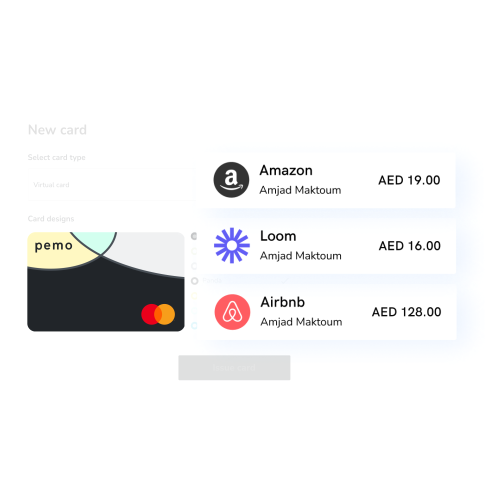
Here's what your finance team can do from day one:
- Set spending limits by amount, merchant category, vendor, or time period, so every card follows your company's policy before anyone swipes.
- Freeze or unfreeze cards instantly from the Pemo app or desktop dashboard if something looks off.
- Create single-use virtual cards for one-off purchases like vendor payments, so you don't have to worry about recurring charges sneaking through.
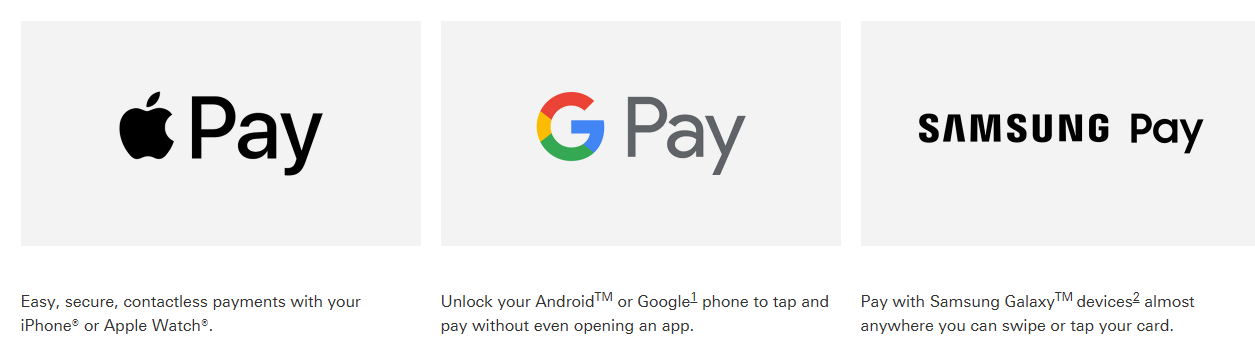
- Use Apple Pay, Google Pay, and Samsung Pay with every Pemo card for fast, contactless payments anywhere.
- Earn cashback on online advertising spend (Google Ads, Meta) and up to 2% cashback on FX transactions.
➡️ You can create unlimited virtual cards in seconds with Pemo, free of charge.
Expense Management That Runs on Autopilot
With Pemo, every card transaction shows up in your dashboard the moment it happens. Not at month-end. Not when someone remembers to submit it.
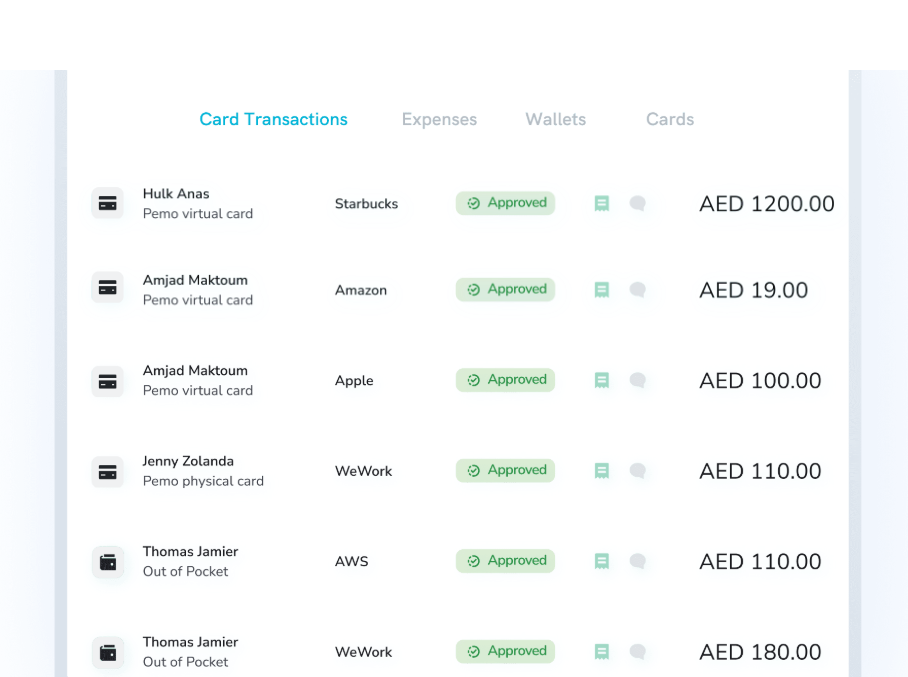
Here's how our expense management works:
- Instant receipt capture: When an employee makes a purchase, they get a push notification asking them to snap the receipt. Our AI matches it to the transaction automatically.
- Automated reminders: If someone forgets to upload a receipt, the system follows up and flags it for finance.
- Configurable approval workflows: Marketing spend goes to the CMO, anything over AED 5,000 goes to the CFO, travel costs go to the office manager. You define the rules once.
- Self-generating expense reports: Reports build themselves from the transaction data, so your team isn't chasing 30 people for paperwork at the end of the month.
AI-Powered Accounting Automations
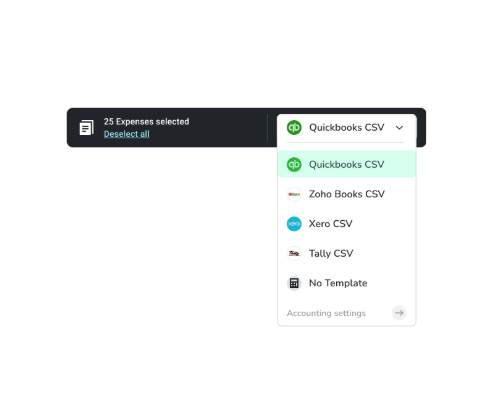
Pemo Copilot auto-categorizes every expense by your chart of accounts, assigns the right vendor, and tags VAT treatment based on patterns it learns from your historical entries.
The more your team uses it, the more accurate it gets.
And the data flows directly into the accounting software you already use:
- QuickBooks: Sync expenses into one of the world's most popular SME accounting tools.
- Xero: Connect with this cloud accounting platform without manual exports.
- Zoho Books: Automate categorization and reconciliation for growing teams.
- Wafeq: A MENA-focused accounting platform built for local compliance.
- Tally and Microsoft Dynamics 365: For teams running more complex setups.
No CSV exports. No manual journal entries. Your bookkeeper doesn't have to touch it.
Automate Invoice Payments
Pemo helps you put your invoice payments on autopilot by collecting, approving, paying, and managing the bookkeeping for every vendor bill.
Each invoice routes through your approval workflow with a full audit trail. Once approved, your team can pay directly from your Pemo account.
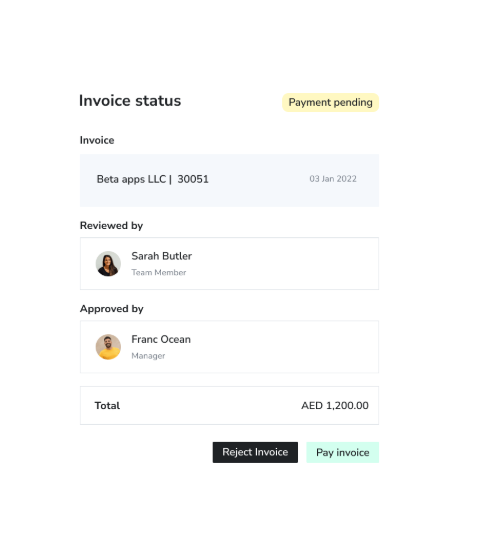
Approvers only see what they need to review and stay in control of upcoming payments.
And Pemo helps you cut international transfer costs with lower fees than some competitors charge.
Pemo's Pricing
Pemo has a free plan for up to 2 card users that gives you access to unlimited virtual cards, a mobile app, expense reports, card spending limits, and Excel exports.
To access Pemo's advanced features, you'd need to be on one of our 2 paid plans:
- Essential: AED 29/month per cardholder, which adds cashback on online advertising spend, integration with popular accounting platforms, spend analytics, and more.
- Business+: Custom pricing starting from 20 card users, which adds up to 2% cashback on card spending, custom onboarding and training, and a dedicated Customer Success Manager.

Want to learn more?
You can book a demo with our team to see why 10,000+ companies in the MENA region have chosen Pemo.
Pemo's Pros and Cons
✅ Real-time expense tracking with AI-powered receipt matching.
✅ Integrations with QuickBooks, Xero, Zoho Books, Wafeq, Tally, and Dynamics 365.
✅ Automate invoice payments and approval workflows.
✅ Cashback on ad spend and up to 2% on FX transactions.
✅ Transparent pricing with a generous free plan for up to 2 card users.
✅ Users on G2 highlight the platform's ease of use and fast processing.
❌ Wallet top-ups require bank transfers and aren't available on weekends, according to some user feedback.
#2: Rydoo
Best for: Finance teams that want to automate expense management from receipt submission to reimbursement.
Similar to: Tipalti.
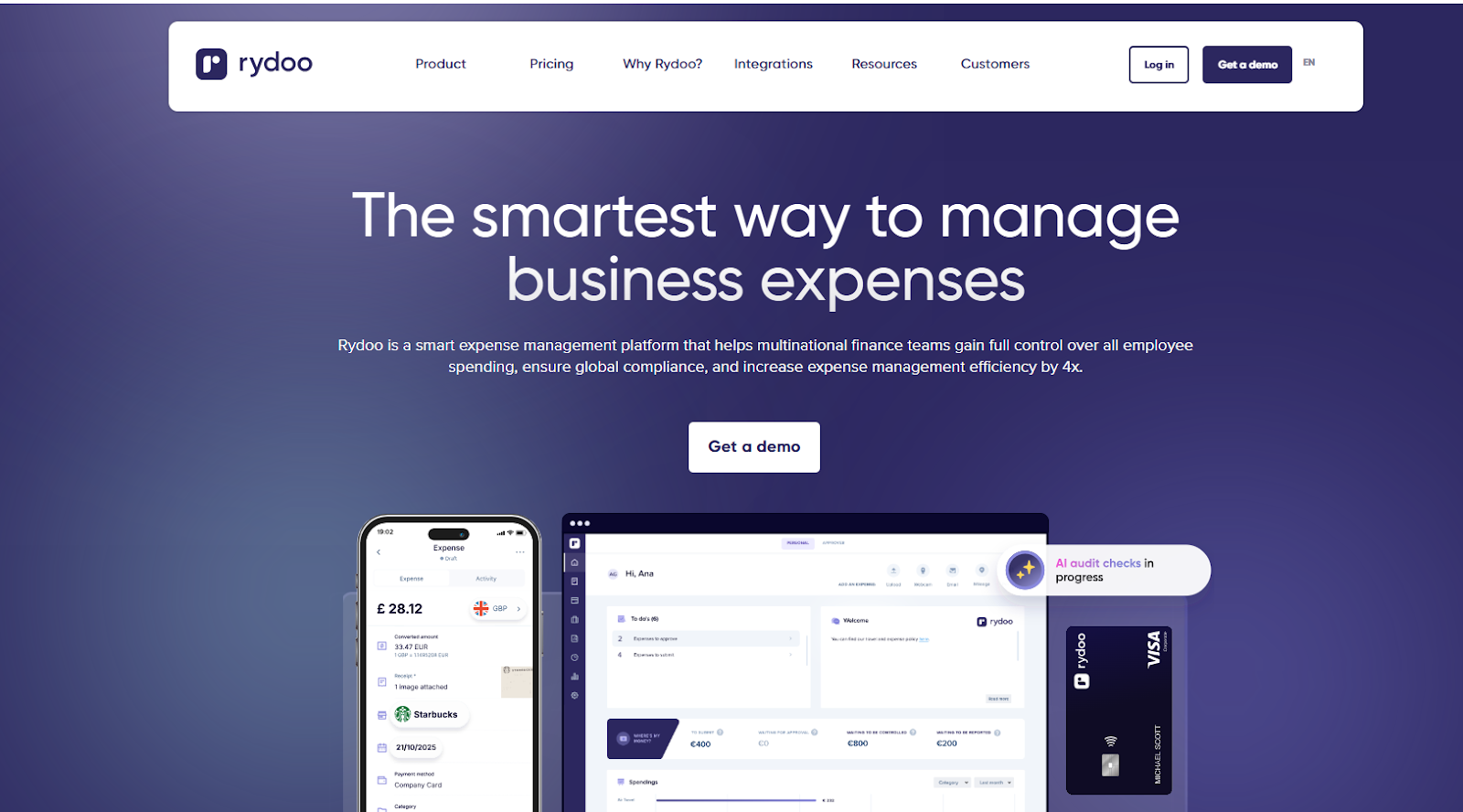
Rydoo is an AI-powered expense management tool that helps finance teams automate the full expense lifecycle.
The platform stands out for its receipt scanning accuracy, which auto-populates expense details in about 10 seconds with over 95% accuracy.
Features

- Smart Audit: An AI-powered monitoring system that automatically flags non-compliant and suspicious expense claims, catching things like duplicate bills and out-of-policy spending.
- Receipt scanning: Employees snap a photo of the receipt, and Rydoo fills in the expense fields automatically with high accuracy.
- Customizable policies: Set up your own spending rules, pre-define approval flows, and automate how expenses get reconciled.
- Real-time reporting: Access up-to-date financial data so your finance team can make decisions based on current numbers.
Pricing
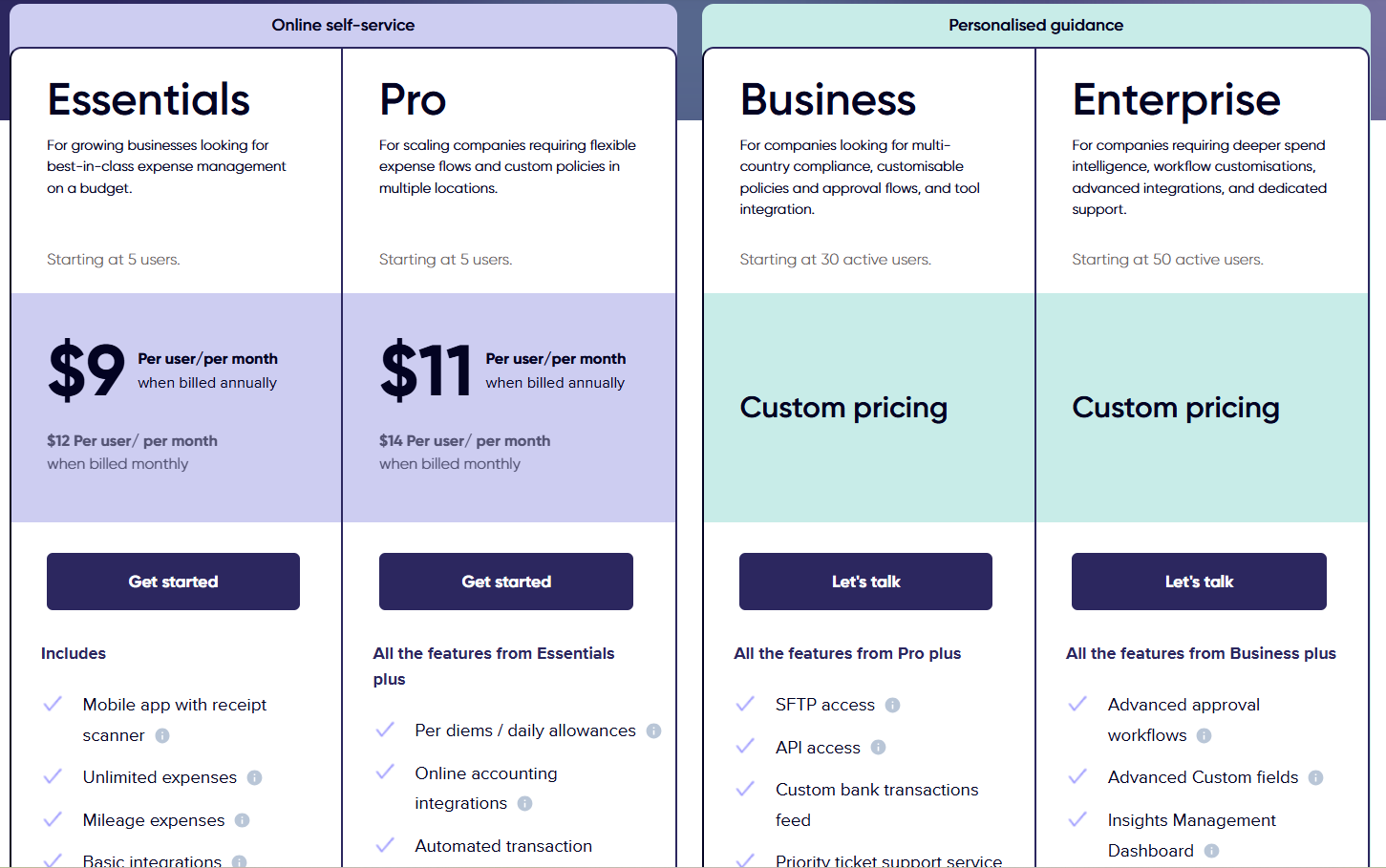
Rydoo has four pricing tiers:
- Essentials: $9/user/month when billed annually, which includes a mobile app with a receipt scanner, unlimited expenses, and basic integrations.
- Pro: $11/user/month when billed annually, which adds per diems, online accounting integrations, and multi-country compliance.
- Business: Custom pricing for teams of 30 or more, which adds SFTP and API access and priority support.
- Enterprise: Custom pricing for 50+ users, which adds advanced approval workflows, SSO, and an insights management dashboard.
Pros and Cons
✅ Intuitive interface that makes expense submission quick and easy.
✅ Customizable policies and approval workflows.
❌ Business and Enterprise plans do not have public pricing.
#3: Spendesk
Best for: Teams that need to handle employee reimbursements without drowning in paperwork.
Similar to: Pemo.
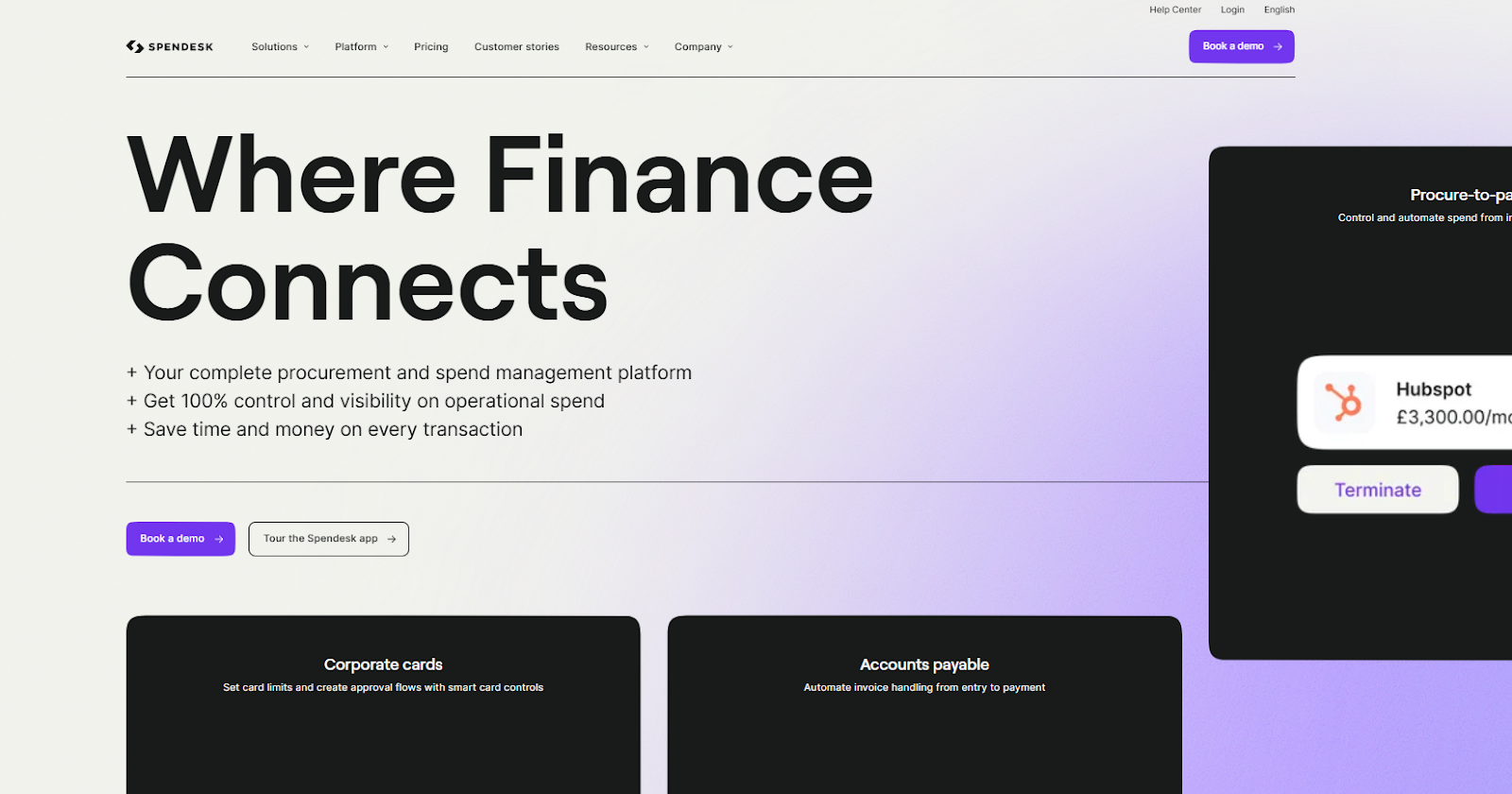
Spendesk is a spend management platform that brings together spending approvals, employee reimbursements, and invoice management in one place.
The platform's OCR technology captures receipt details automatically, and the mobile app lets employees submit reimbursement requests in seconds.
Features
- Real-time expense monitoring: Your finance team can spot errors and missing receipts as they happen, helping you stay compliant.
- Mobile reimbursements: Employees snap a photo of the receipt on their phone, and the reimbursement request goes through immediately.
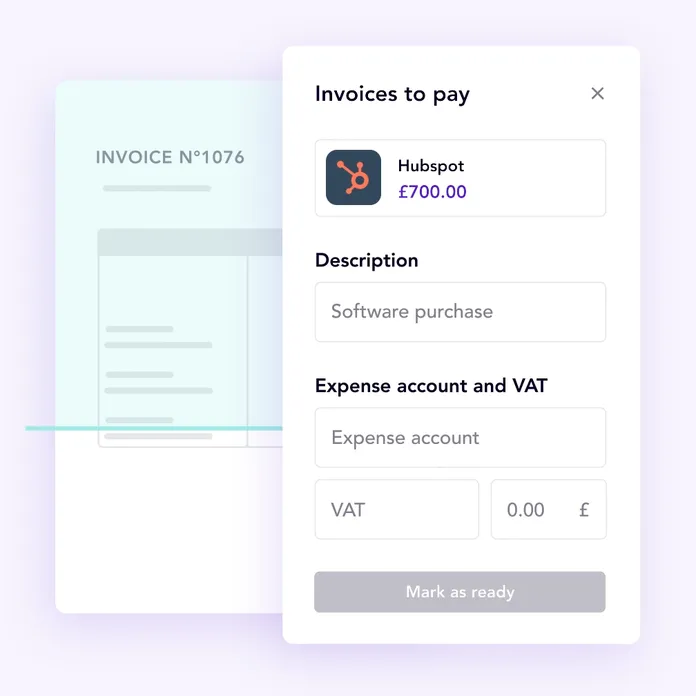
- Duplicate invoice detection: The platform catches duplicate invoices and other common errors before they hit your books.
Pricing
Spendesk uses custom pricing, so you'd need to contact their team for a quote tailored to your team size and feature needs.
Pros and Cons
✅ End-to-end invoice management with accounting integrations on the Essentials plan.
✅ Duplicate invoice and error detection.
✅ Advanced budgeting tools for real-time spending control.
❌ Pricing is not transparent.
#4: Mamo
Best for: Businesses that want a flexible corporate card solution with global usability and cashback.
Similar to: Pemo.
Mamo provides virtual and physical corporate cards with no cap on the number of cards you can issue, along with real-time expense management and cashback rewards on international transactions.
The platform is worth considering for teams that need both payment processing and corporate card management in one place.
Features
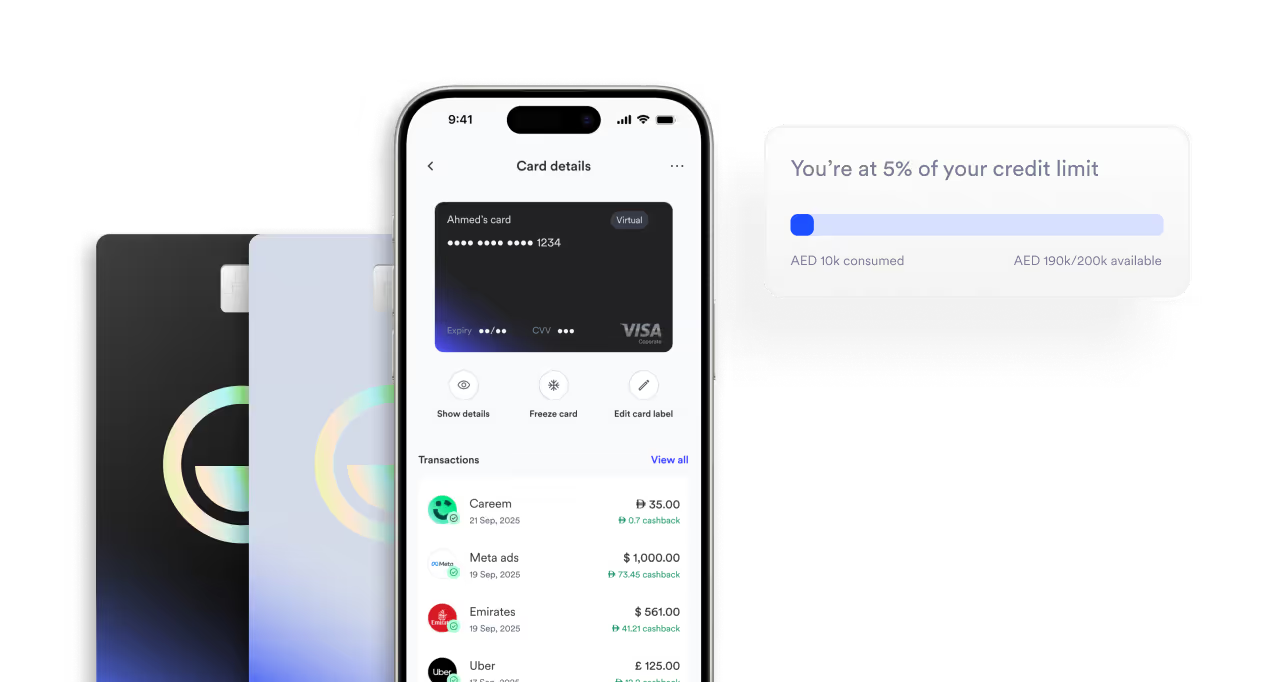
- Unlimited cards: Issue as many virtual and physical cards as your team needs, with individual budget controls on each one.
- Global usability with cashback: Use cards online or offline anywhere, with up to 2% cashback on non-AED transactions.
- Real-time security: PCI-DSS certified platform with live transaction monitoring, instant card freezing, and immediate notifications.
Pricing
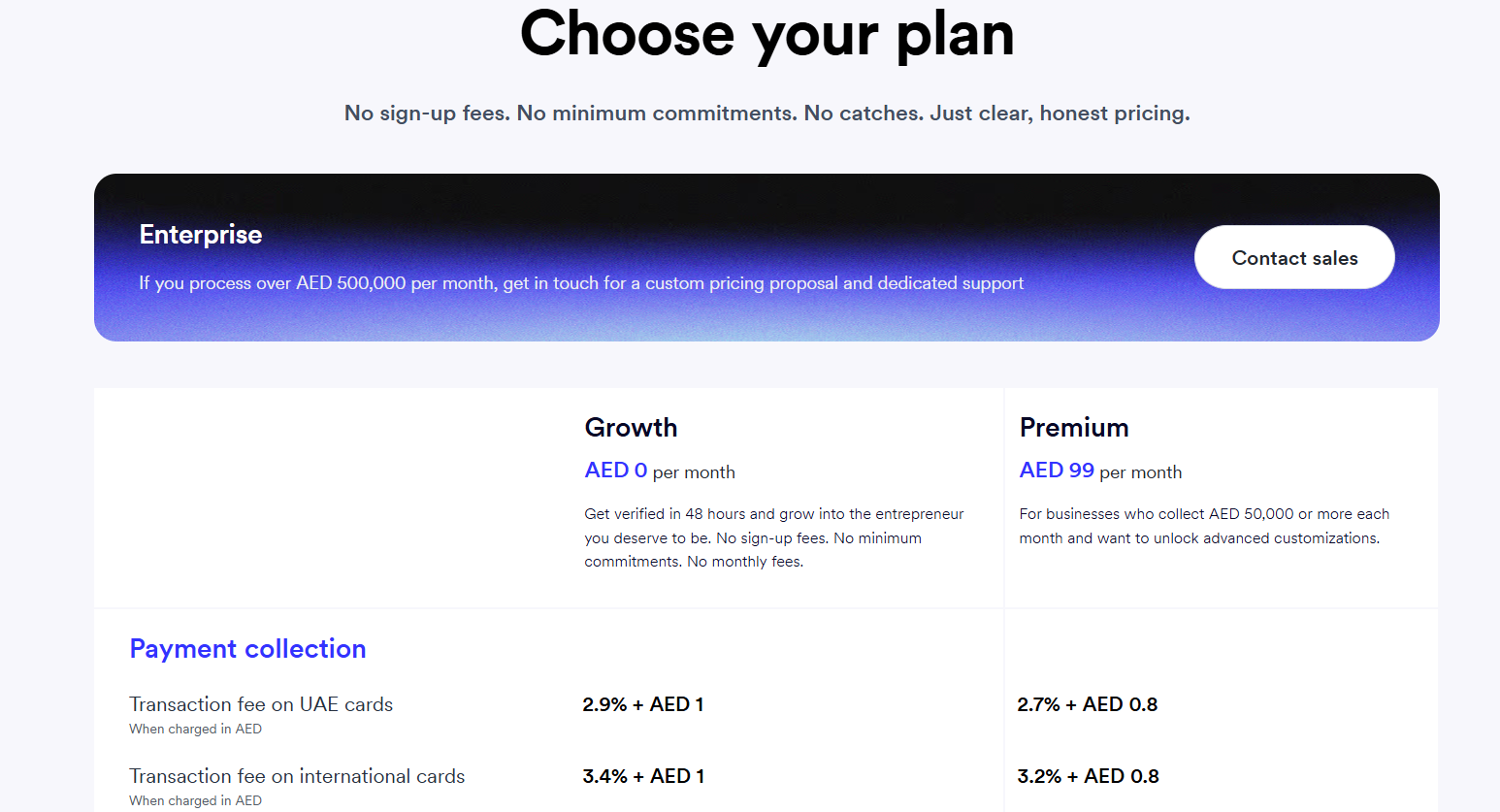
Mamo has three pricing tiers:
- Growth: Free monthly with a 2.9% + AED 1 per-transaction fee, which includes support for Visa, Mastercard, Apple Pay, corporate cards, and payment APIs.
- Premium: AED 99/month with a lower 2.7% + AED 0.8 per-transaction fee, which adds free UAE ATM withdrawals and branded payment links.
- Enterprise: Custom pricing for businesses processing over AED 500,000/month, which adds a dedicated Customer Success Manager.
Pros and Cons
✅ Enterprise-grade security with PCI-DSS certification.
✅ Global usability with up to 2% cashback.
✅ Unlimited virtual and physical cards.
❌ 2.9% plus AED 1 per transaction on the free plan can add up with heavy usage.
#5: BILL
Best for: Businesses that need accounts payable, accounts receivable, and spend management on one platform.
Similar to: Xpence, Happay.
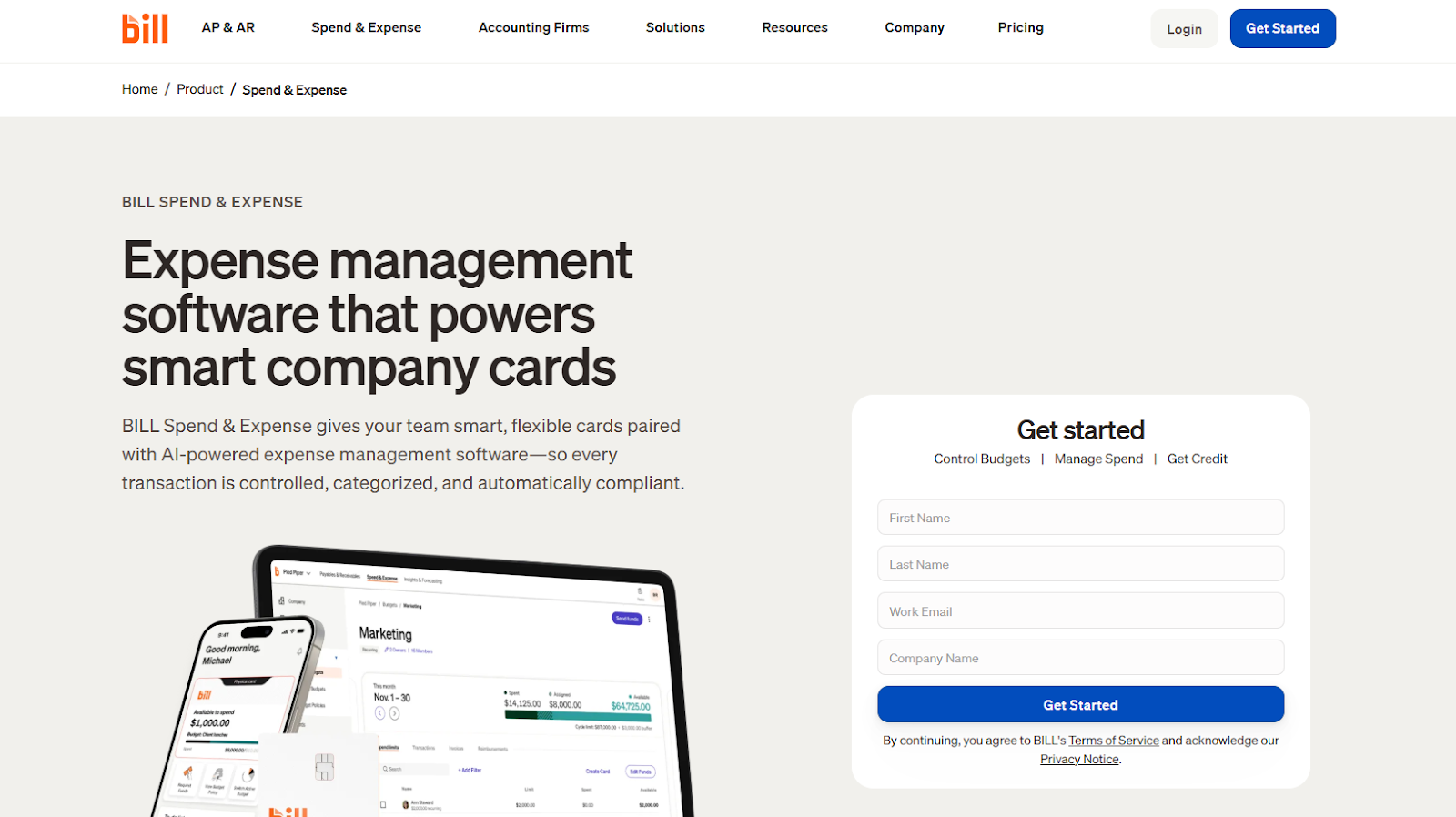
BILL is a financial operations platform that covers AP, AR, spend management, and expense tracking under a single login.
Features
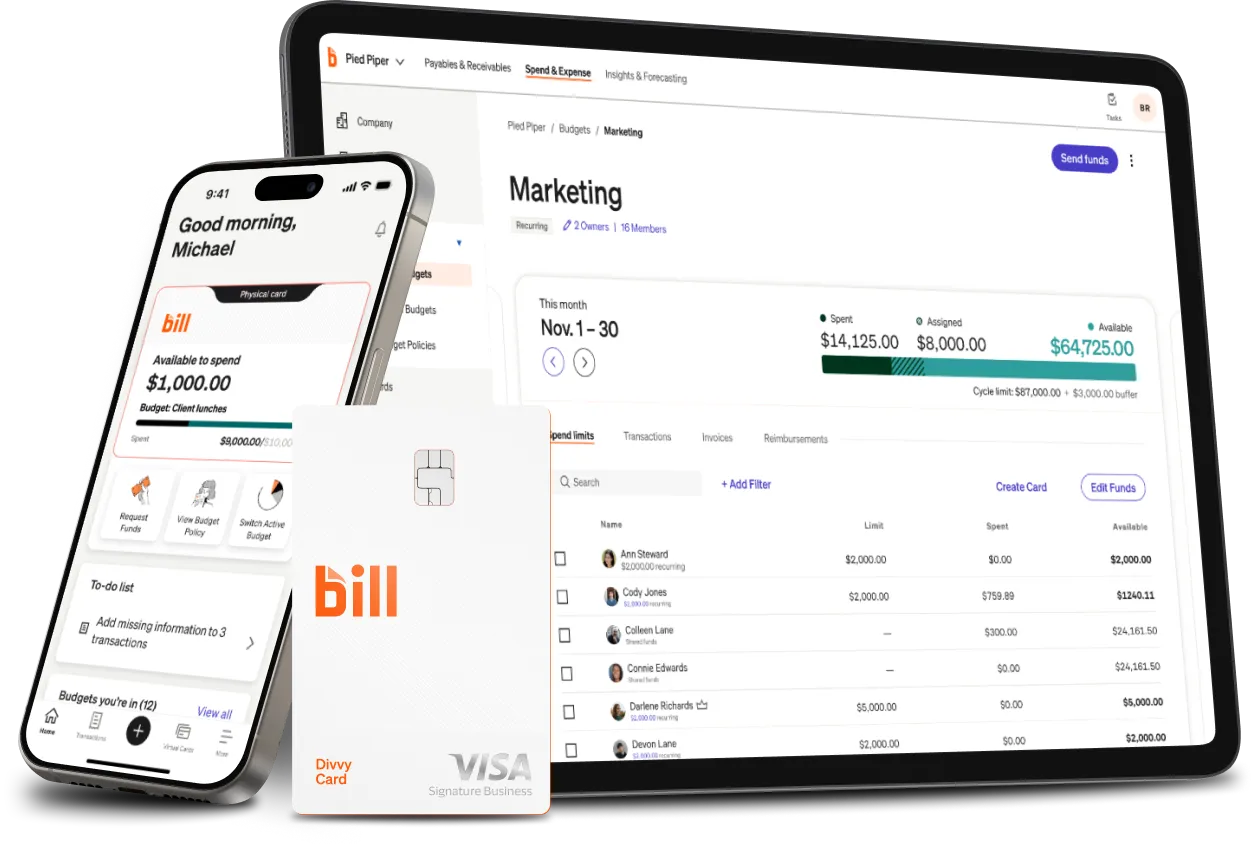
- Spend and expense management: Access credit lines alongside budgeting tools and spend tracking through the Divvy Card.
- Unified financial operations: Handle accounts payable, accounts receivable, and expenses on one platform with automatic syncing.
- Accounting integrations: Connect BILL with your existing accounting stack for a unified view of your finances.
Pricing
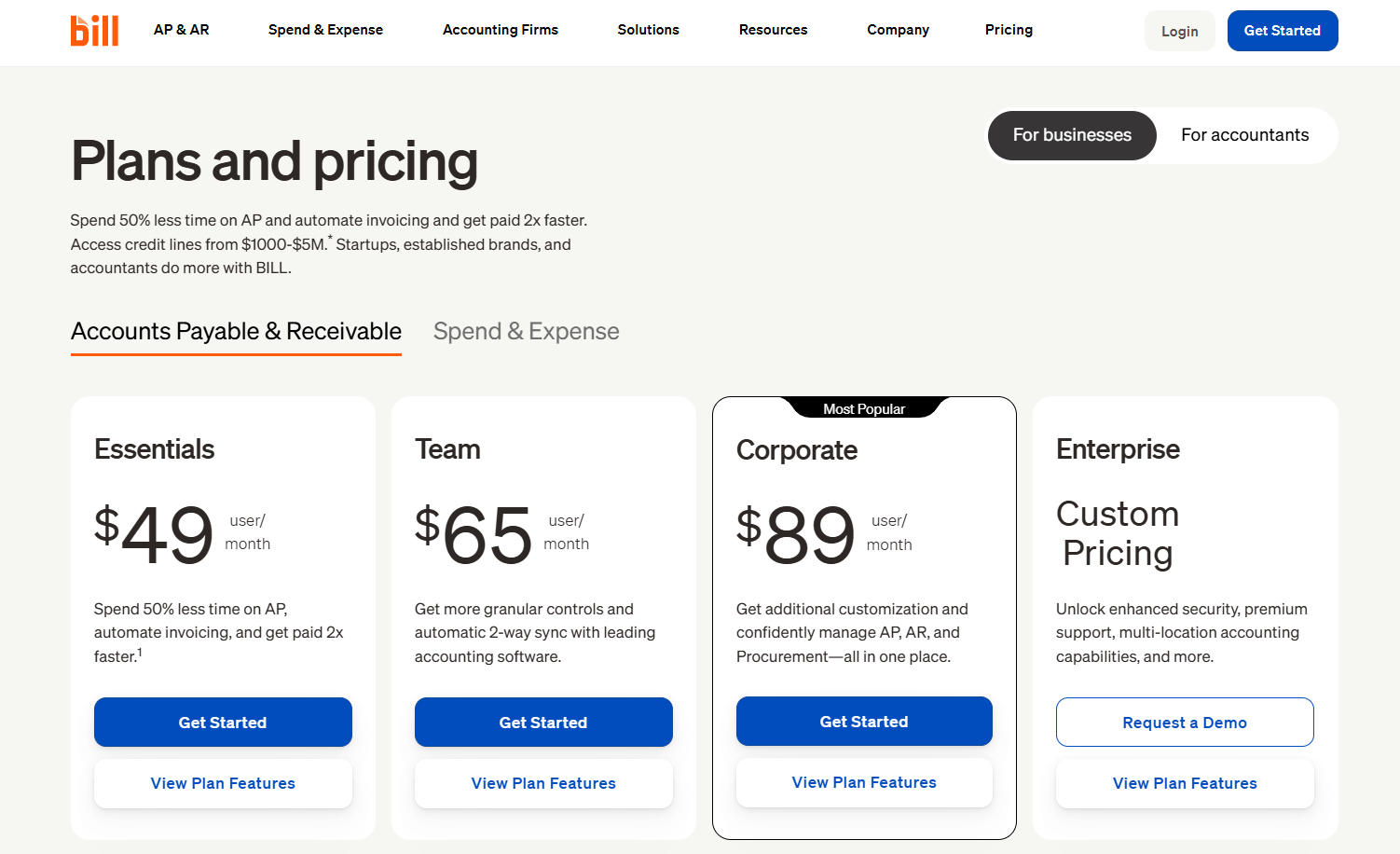
BILL has four pricing tiers for its financial management platform:
- Essentials: $49/user/month, which includes basic AP and AR functionality with live chat and phone support.
- Team: $65/user/month, which adds automatic 2-way sync with leading accounting software and custom user roles.
- Corporate: $89/user/month, which combines AP and AR management with custom approval policies.
- Enterprise: Custom pricing with premium support, multi-location accounting, and additional integrations.
Pros and Cons
✅ All-in-one financial operations with small-business-friendly entry pricing.
✅ Integrates with your existing accounting software.
✅ Automates accounts payable workflows.
❌ One user mentions that they find it challenging at times to map and integrate custom fields or make changes to existing fields.
#6: Tipalti
Best for: Organizations that need to automate expense management and employee reimbursements across multiple countries.
Similar to: Happay.
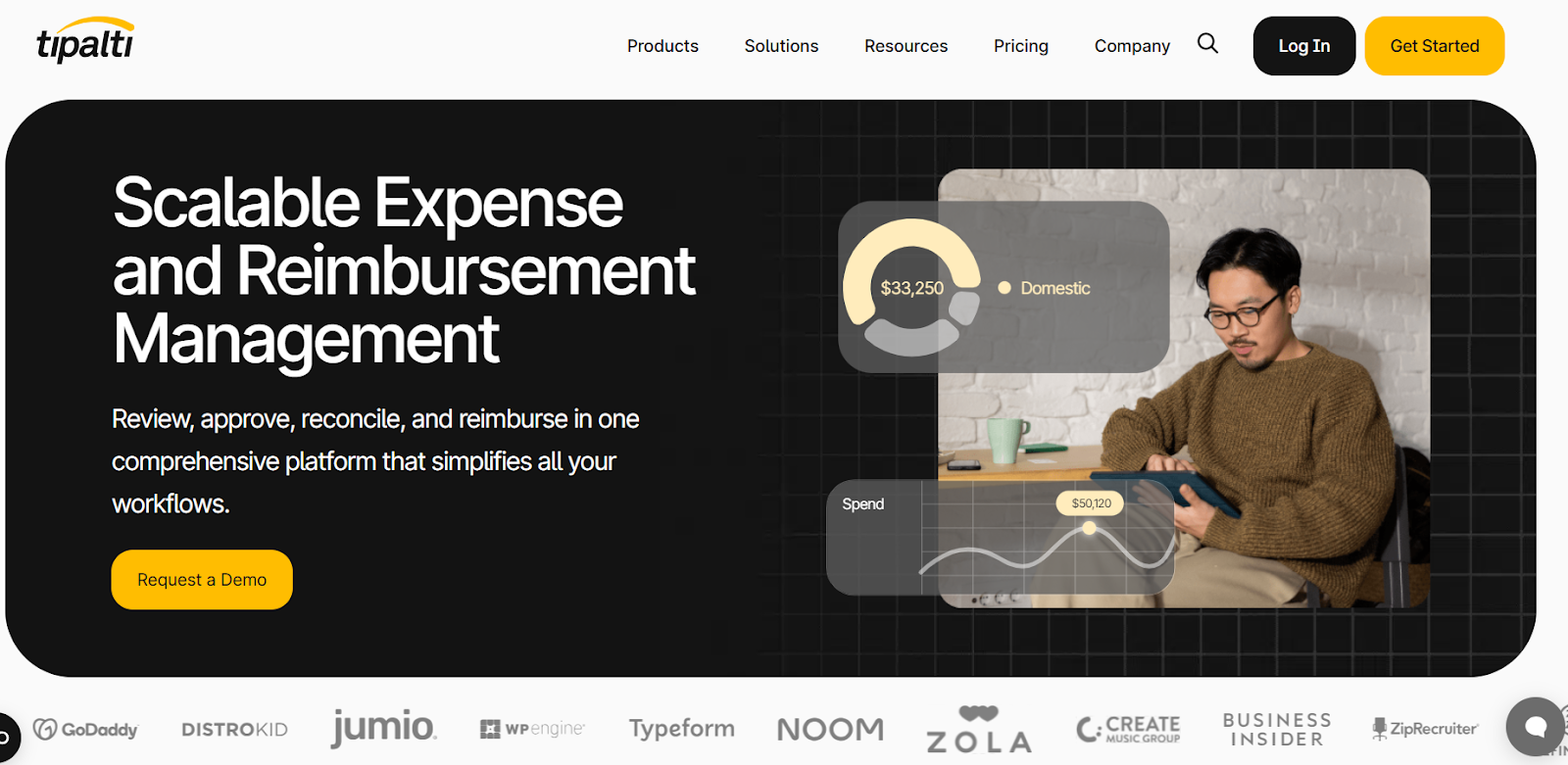
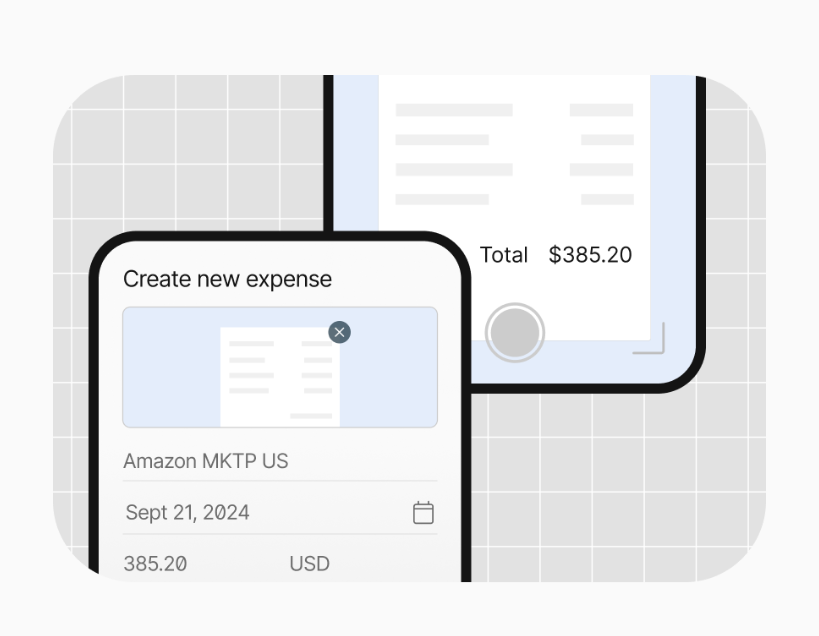
Tipalti is a global finance automation platform that handles everything from expense tracking to international reimbursements across 196 countries in over 120 currencies.
The platform stands out for teams with international operations that need to reconcile expenses across borders without the manual overhead.
Features
- Global reimbursements: Process secure payments to 196 countries in 120+ currencies using more than 50 payment methods.
- Corporate card support: Manage employee card spending and reconcile transactions across Mastercard, Visa, AmEx, and Tipalti's own card.
- Faster monthly close: Speed up reconciliation by integrating with ERP and accounting systems like NetSuite, Sage Intacct, and QuickBooks.
Pricing
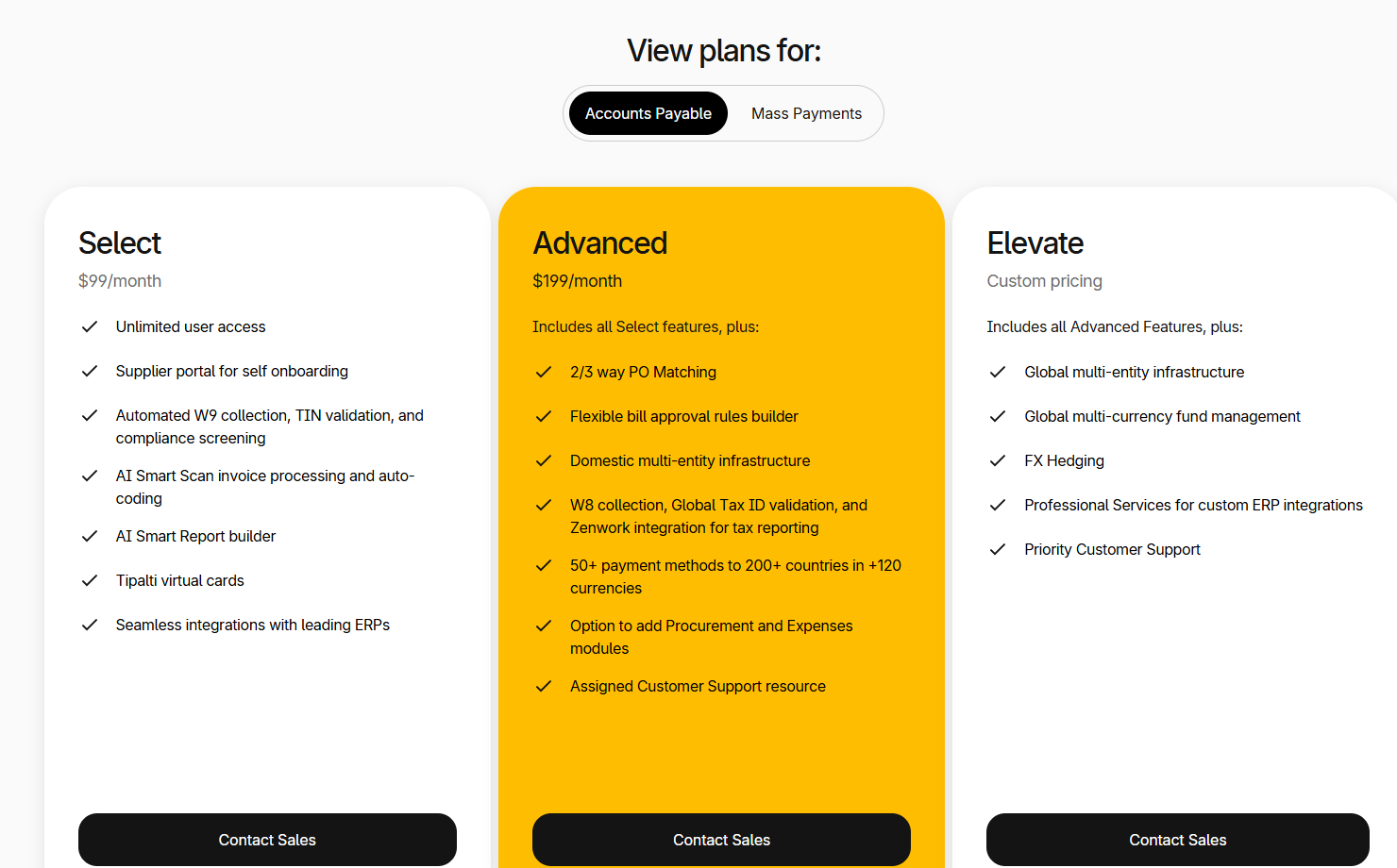
Tipalti has three pricing tiers:
- Select: $99/month, which includes a supplier portal, AI Smart Scan for invoices, flexible approval rules, and ERP integrations.
- Advanced: $199/month, which adds global multi-entity and multi-currency support, procurement features, and 2-way and 3-way PO matching.
- Elevate: Custom pricing with a fully customizable procurement solution, budget management, and Slack integrations.
Pros and Cons
✅ Automates accounts payable and saves significant time on manual work.
✅ Vendors can self-onboard and track their own invoices.
✅ Syncs automatically with NetSuite and other major ERPs.
❌ Higher starting price at $99/month than some of the other competitors on the market.
#7: HSBC Virtual Card
Best for: Enterprises handling high-volume, large-value supplier payments that need bank-grade security.
Similar to: Emirates Islamic Bank.

HSBC offers a virtual card platform where business leaders can generate single-use and multi-use virtual cards for supplier payments.
It's a strong fit for larger organizations that already bank with HSBC and need a secure way to handle repeat payments to vendors.
Features
- Virtual Cards Online Portal: Generate unique card numbers for each transaction and pay suppliers immediately through HSBC's platform.
- Personalized reporting: Get reconciliation reports and custom data fields to track spending across your organization.
- Fraud protection: Full control and compliance with zero-liability fraud protection features built into every virtual card.
Pricing
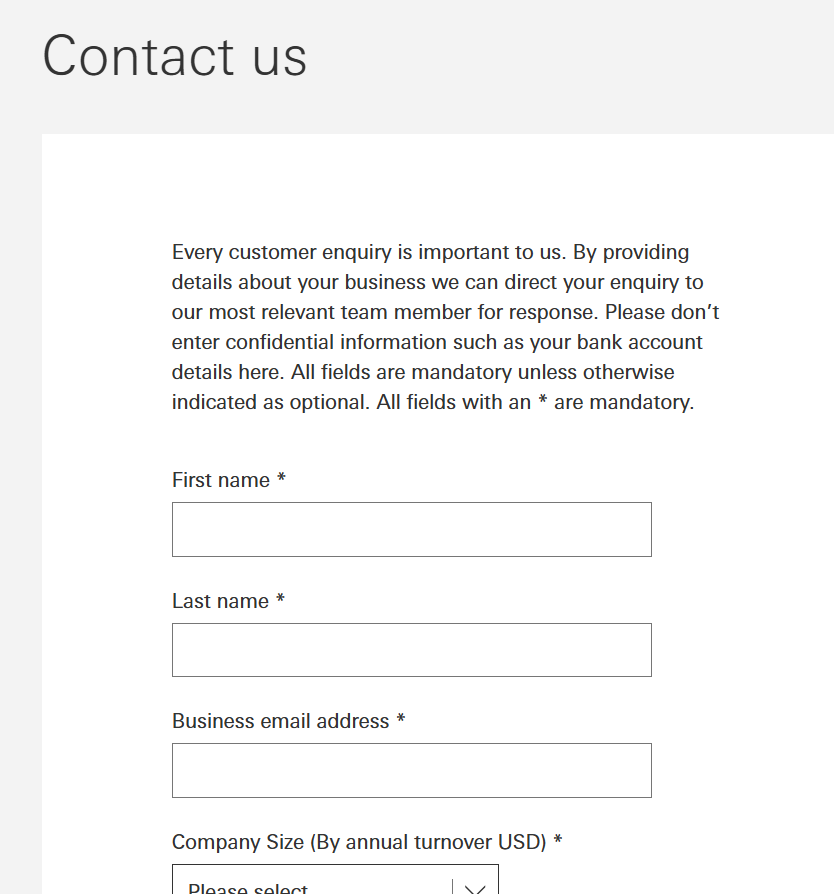
HSBC does not disclose the pricing terms for its virtual card, so you'd need to fill in a questionnaire and wait for the bank to follow up.
Pros and Cons
✅ Advanced fraud detection and transaction security capabilities.
✅ Online reporting insights that help you compare costs and control expenses.
✅ Streamlined payment processing for high-volume supplier payments.
Try Pemo at no cost
If you're looking for a spend management platform that offers:
- Automated approval workflows for invoices.
- Integrations with QuickBooks, Xero, Zoho Books, Wafeq, and Tally.
- Real-time spending controls with per-transaction, daily, and monthly limits.
- Cashback on ad spend and up to 2% on FX transactions.
- A network of 300+ partner discounts on tools like Google Ads, Careem, Booking.com, and talabat.
Then you can sign up for Pemo's free plan or book a demo to see why 10,000+ businesses in the MENA region have chosen us.
⚠️ Disclaimer: This article was last updated on 8th of May, 2026 and if there's any misinterpretation of the information, please contact us and we will fact check it.


